Sync audiences from Census

Census lets you send audiences from an existing data source to Rokt through its Rokt destination. This guide explains how to authenticate the destination, create an audience sync, and test the integration.
AuthenticationDirect link to Authentication
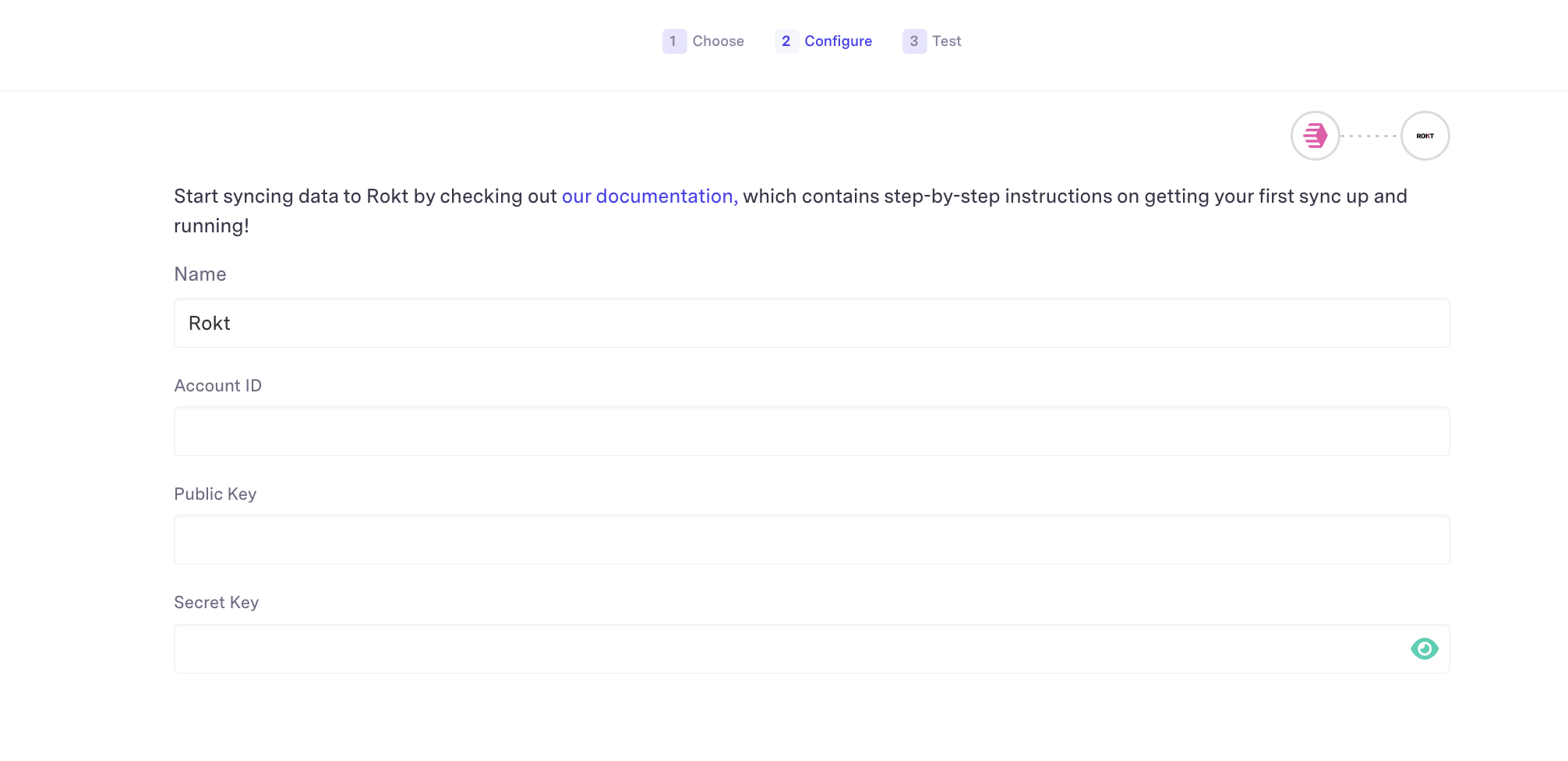
Authenticating with the Rokt Audiences destination requires a Rokt Public Key (rpub), Rokt Secret Key (rsec), and Account ID. Ask your Rokt account manager for these credentials.
Create a Rokt destinationDirect link to Create a Rokt destination
-
Log in to your Census account.
-
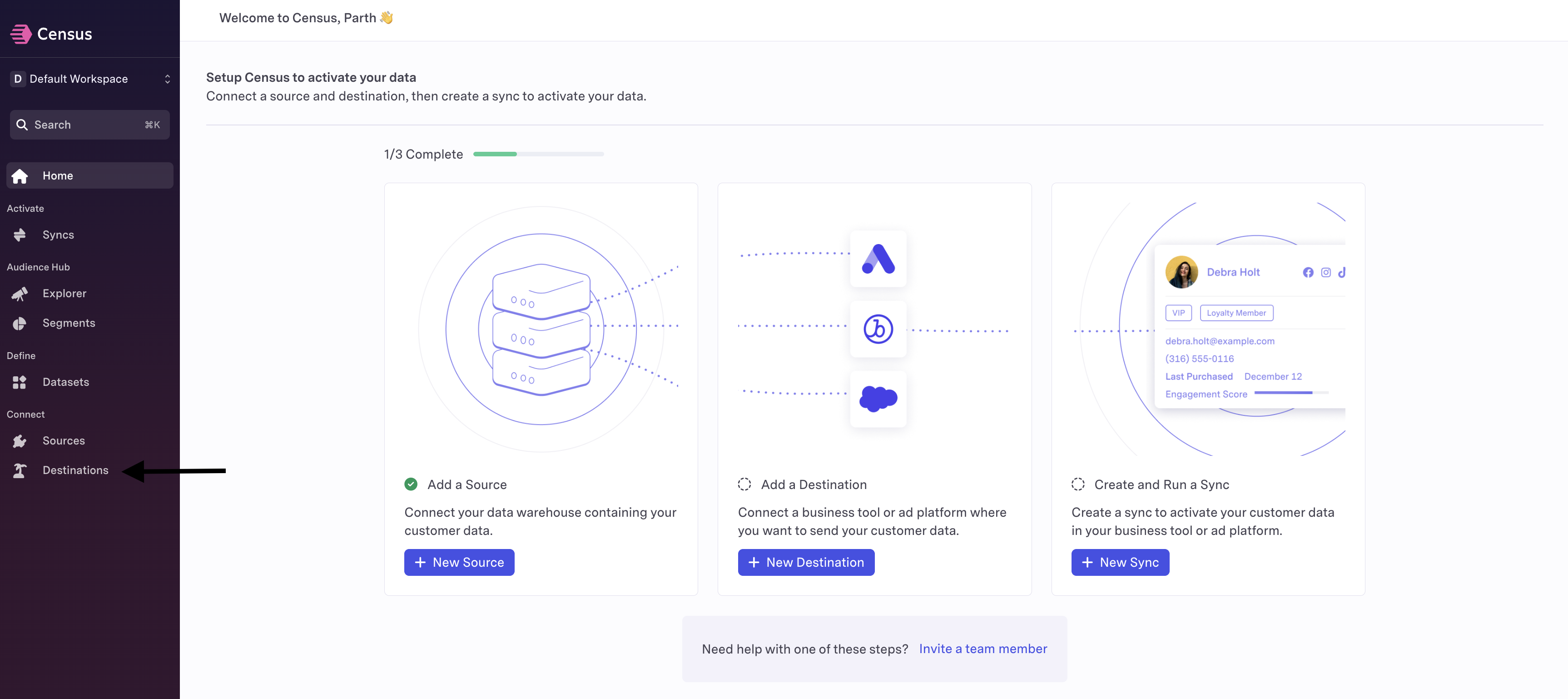
Click Destinations in the left navigation, and then click New Destination.
-
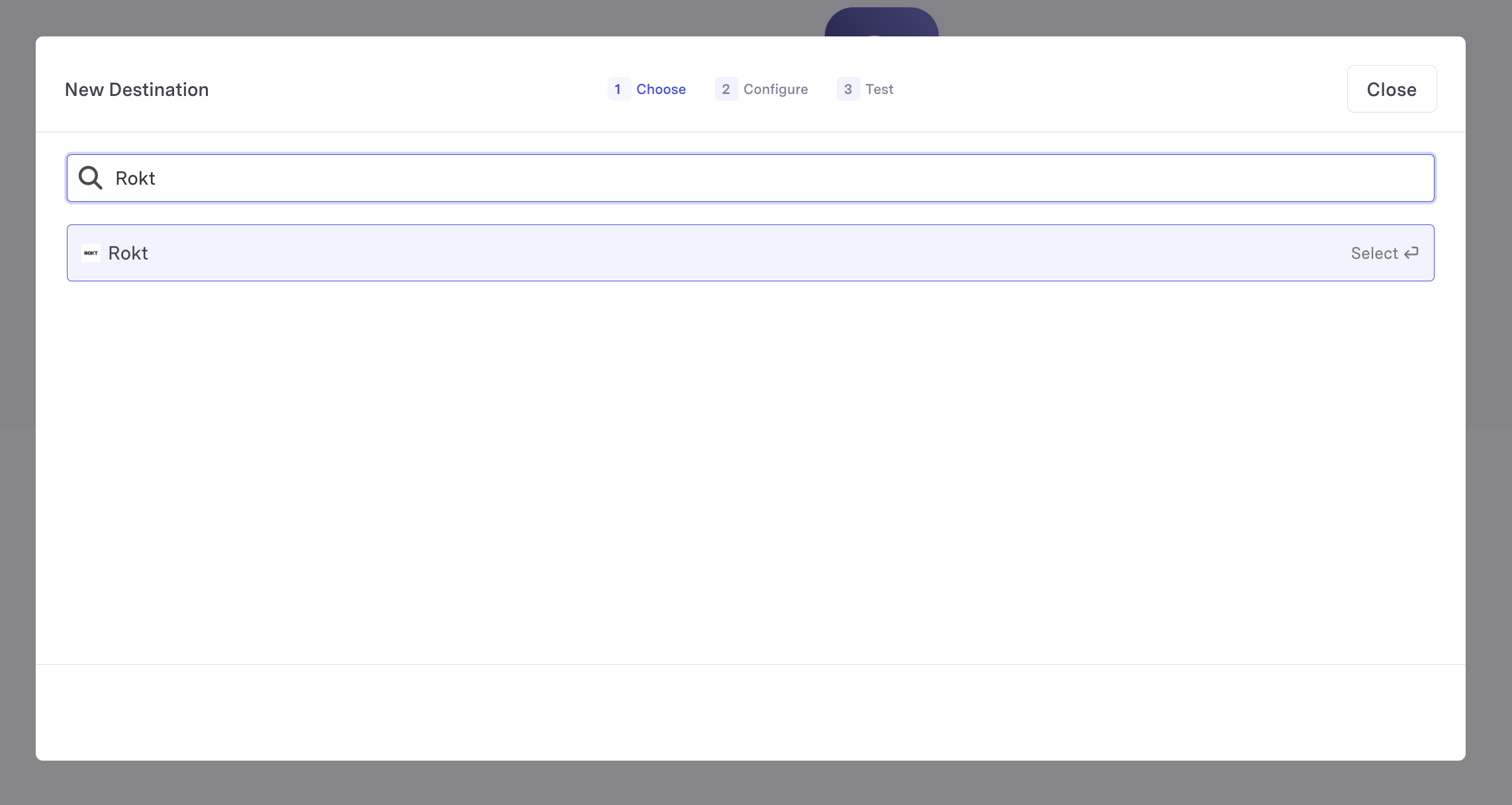
Search for the Rokt destination.
-
Enter the Rokt Account ID, Public Key, and Secret Key.
-
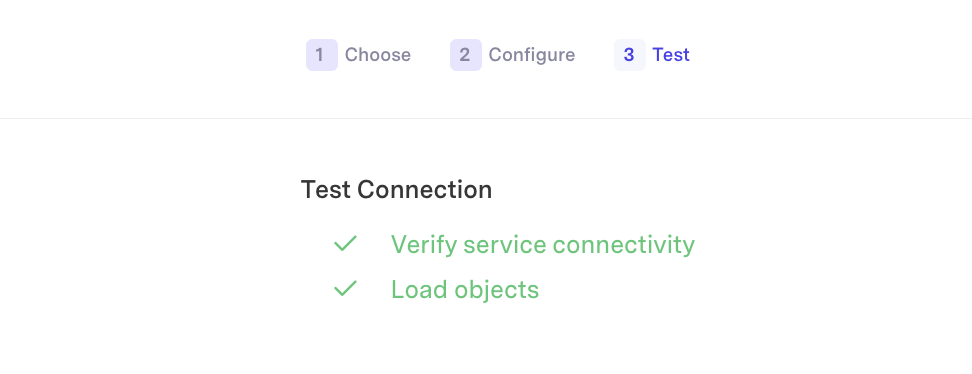
Click Connect to verify the connection.
-
Confirm that the connection succeeds.
-
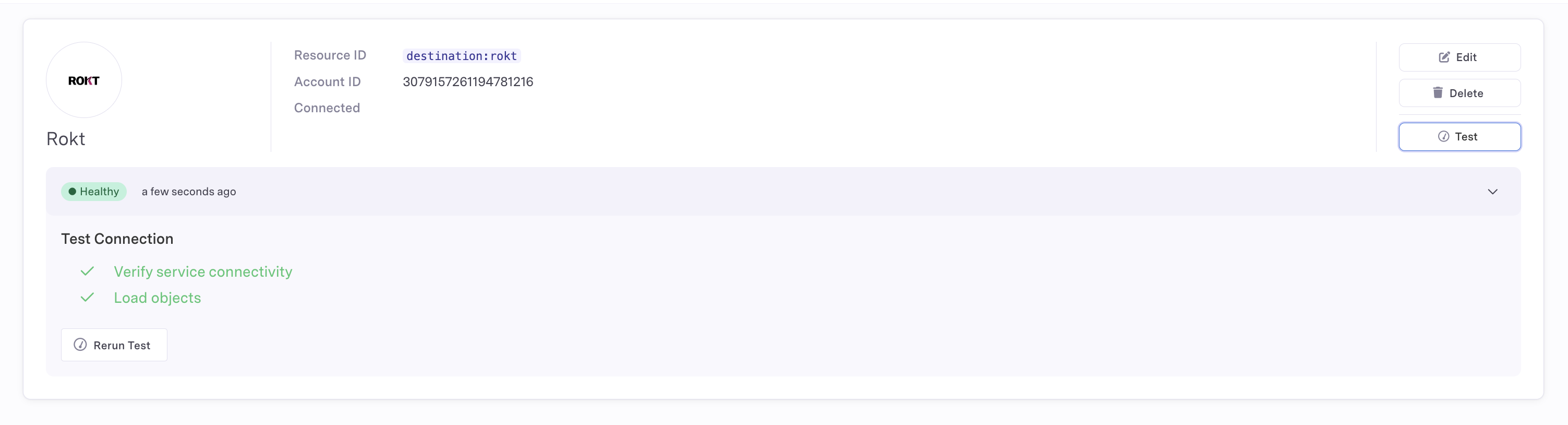
Click Test to create a healthy destination connection.

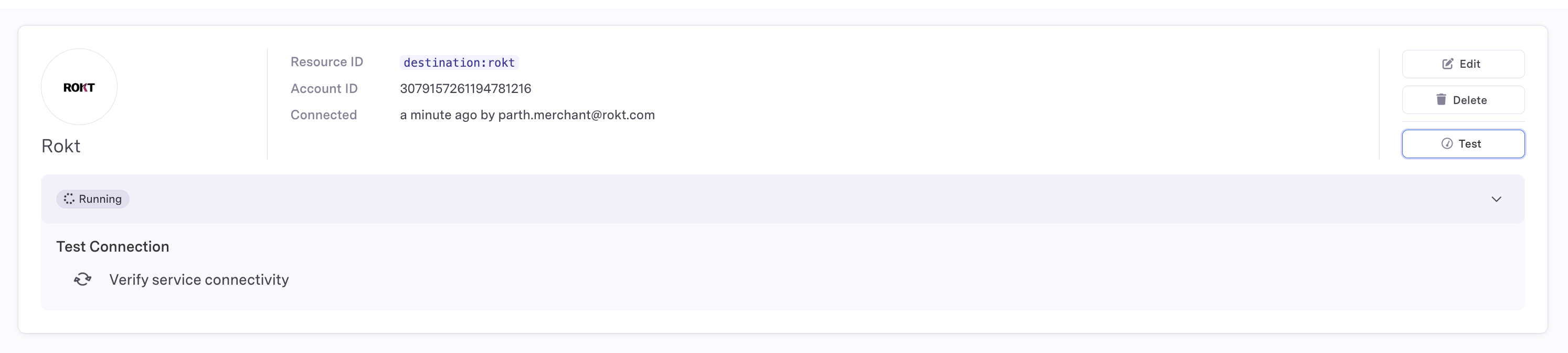
-
Confirm that the Rokt destination displays as Healthy.
Create an audience syncDirect link to Create an audience sync
A sync defines how data moves from your selected data source to the destination. For more information, see the Census Sync overview.
-
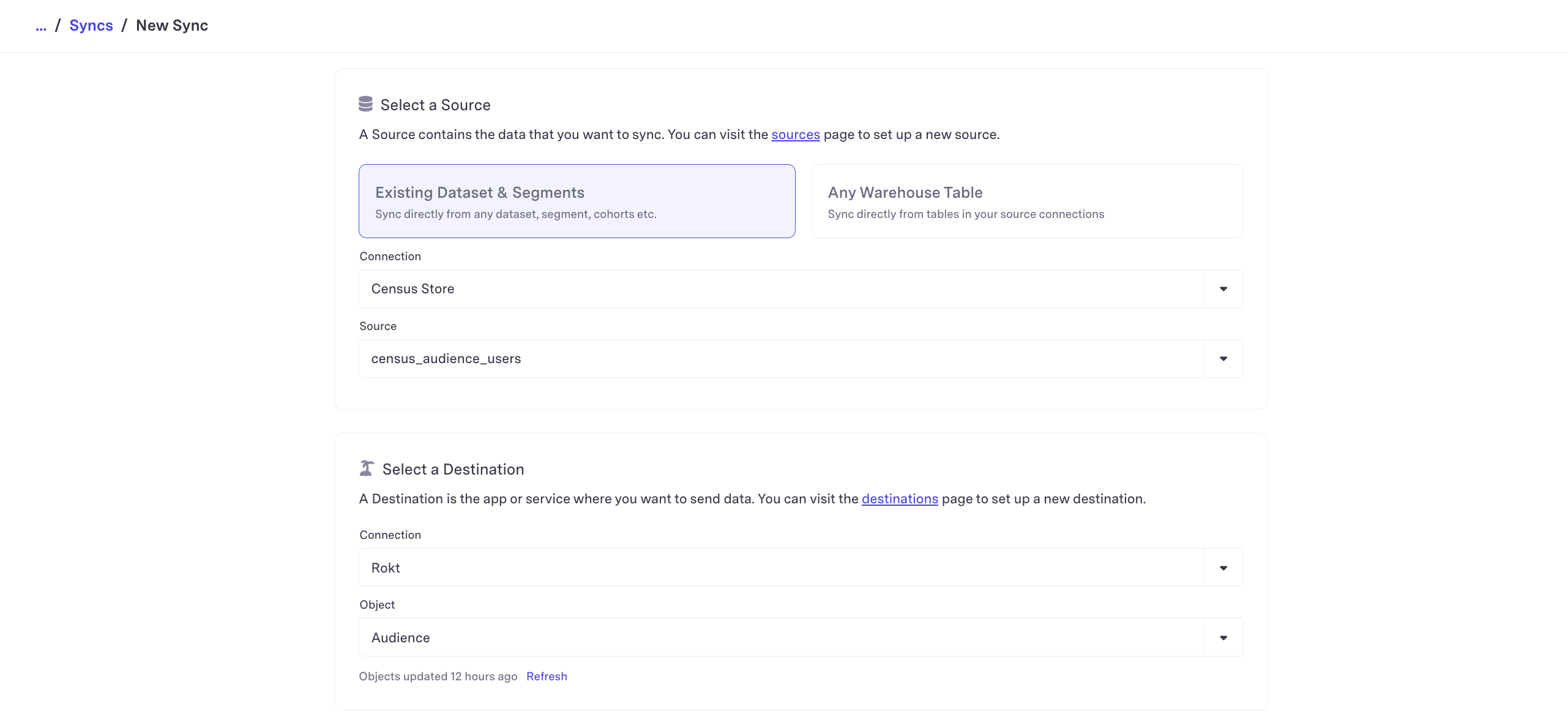
Click Syncs, and then click Create a sync.
-
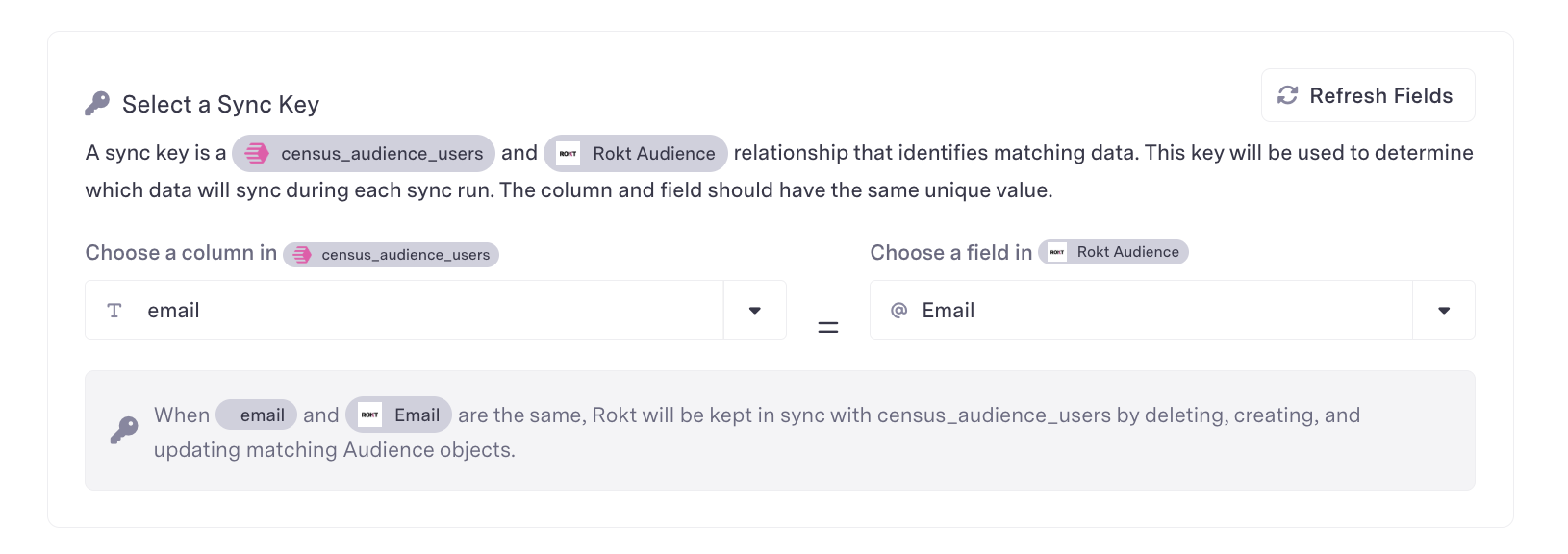
Select your data connection and source. For the destination, set Connection to Rokt and Object to Audience. Set Sync Behavior to Send, and define your sync key.
-
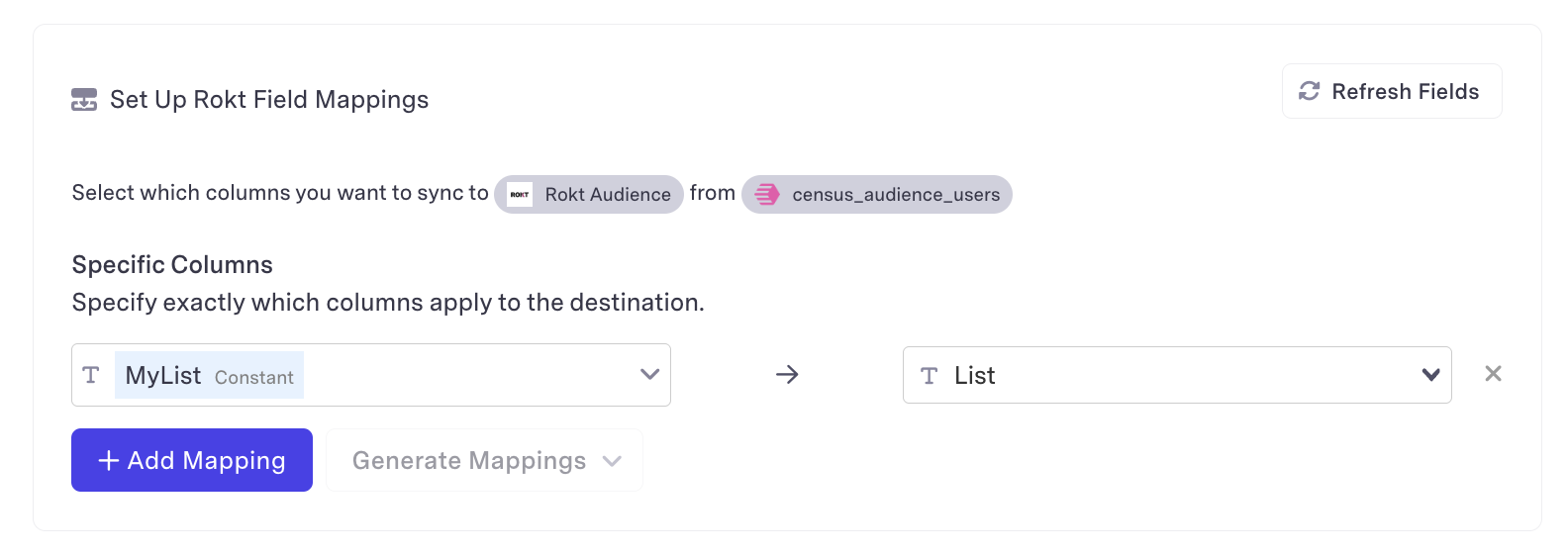
Map the source field that contains the audience identity to the required email format.
-
Enter the audience list name.
-
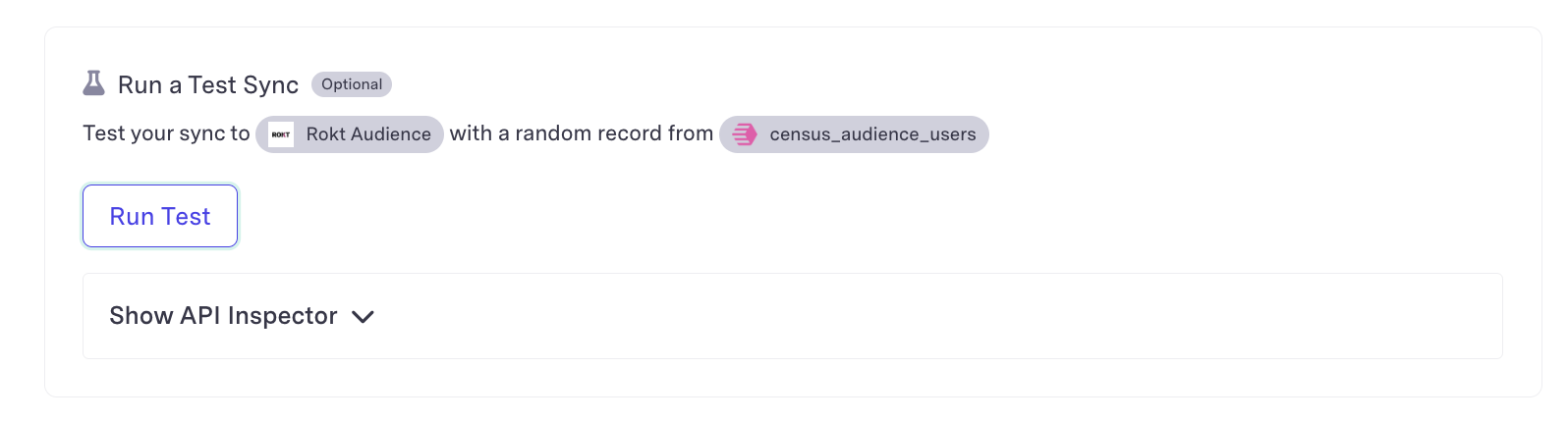
Click Run a Test Sync.
warningA test sync sends a live record to the destination.
-
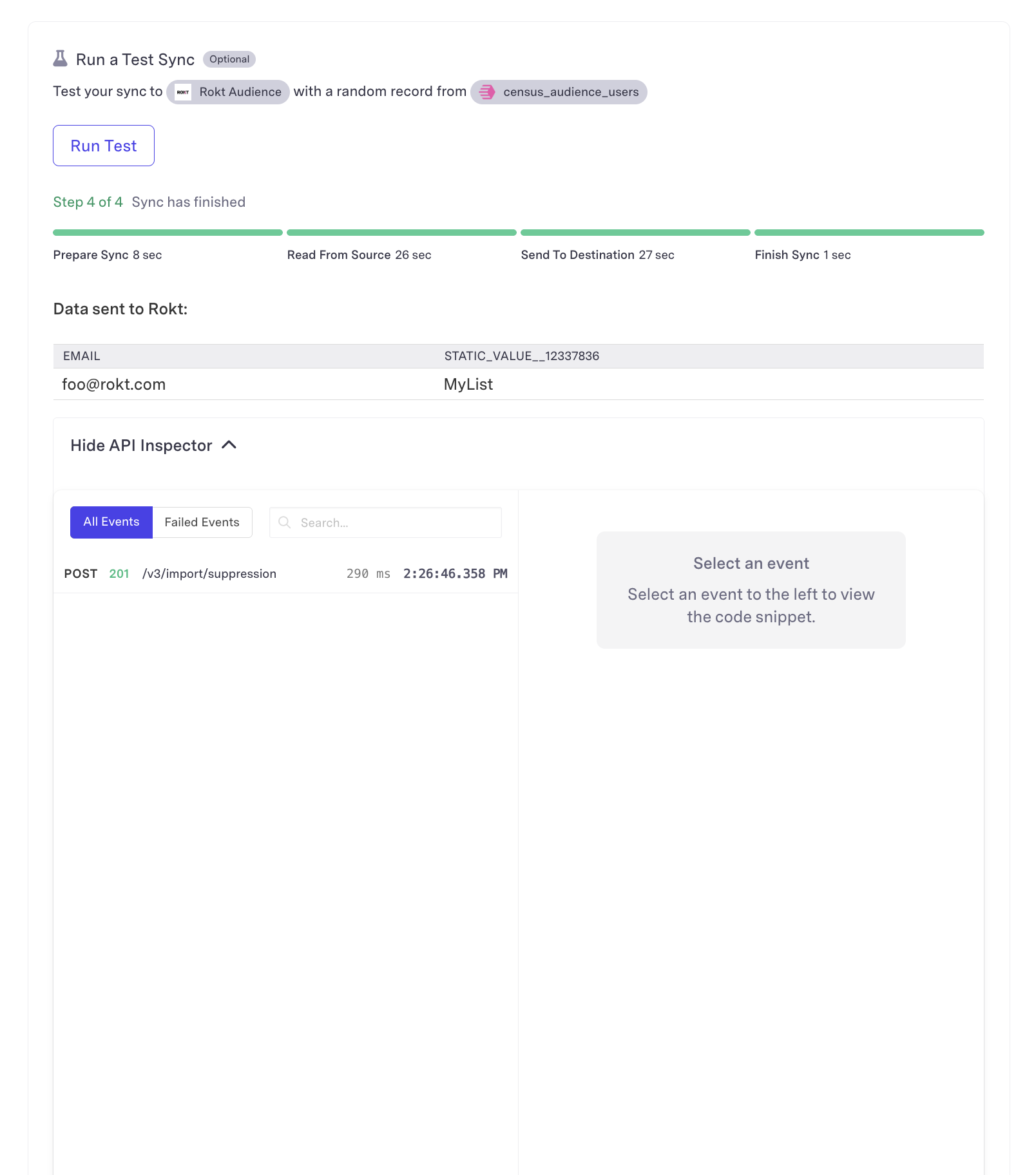
If the test fails, open Show API Inspector to review the status code and response from the Rokt Audiences API. A successful request returns HTTP status
200.
Your audience integration is now configured. For help, reach out to your Rokt contact or account manager.