Adding and editing products in app
Once you complete onboarding via Manual Portal, you can add additional products or edit existing products in app on the Catalog page. This option is only available for Brands using the Manual Portal integration.
Adding productsDirect link to Adding products
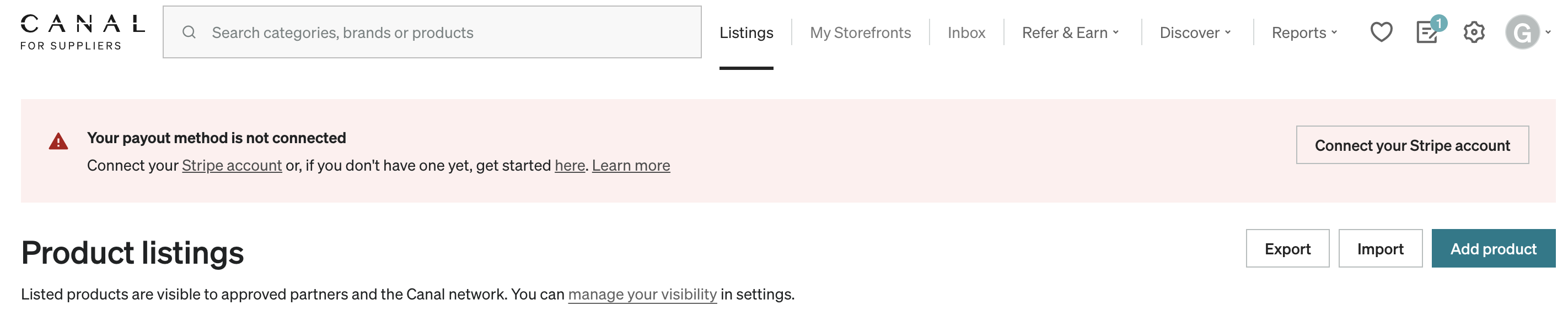
To add a single product, select Add product on the Catalog page.
You are required to enter the product information before you can save.