Importing and exporting products via CSV
You can import additional products or export your current product listings at any time within the Catalog app under the Catalog tab.
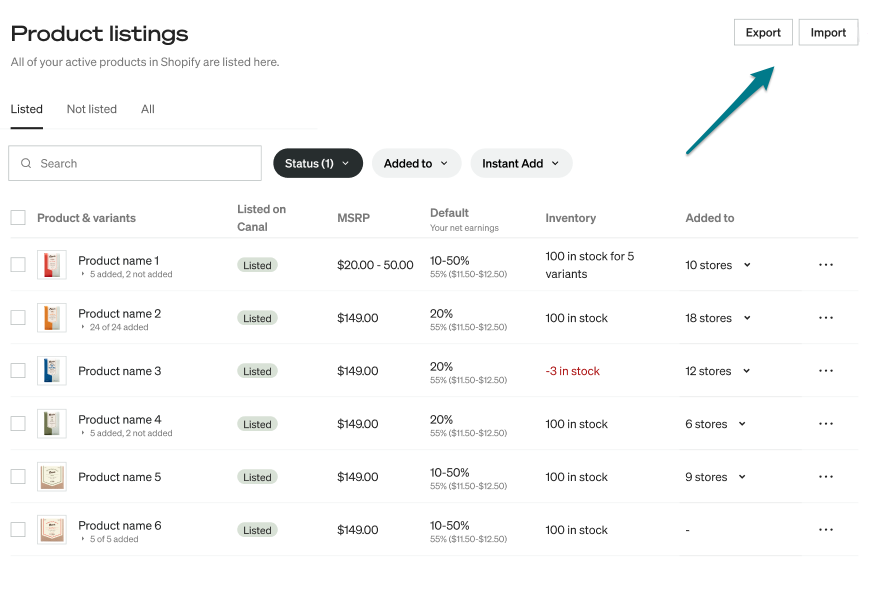
Importing productsDirect link to Importing products
To import additional products, select Import in the top right of the Catalog page. You can then download Catalog's product template and upload on the same page, just like you did during onboarding.
Do not edit the CSV format when adding your products — this causes the import to fail.
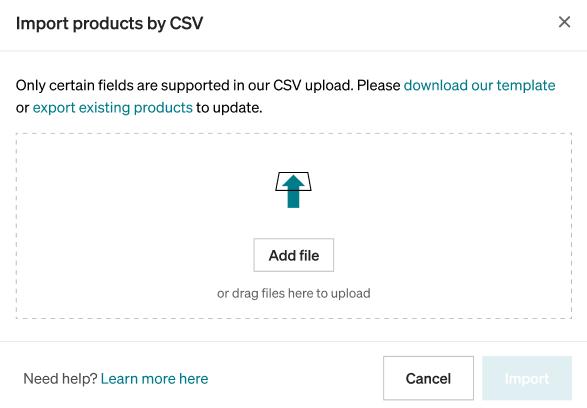
Once the import is successful, these products are listed with your current products for Partners to sell.
Exporting productsDirect link to Exporting products
When exporting products, you have the option to export your entire catalog or select specific products by selecting the checkbox to the left of the item > Export.
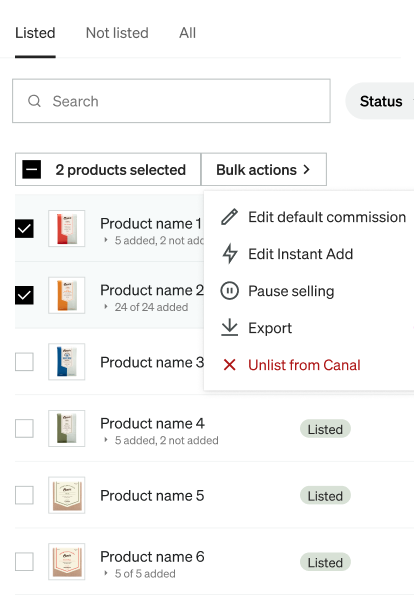
You can learn how to unlist products in the Adding or removing products from Catalog article.