Singular
Rokt Events Connection via SingularDirect link to Rokt Events Connection via Singular
This guide provides a straightforward process for integrating Rokt Events with Singular. It covers the event integration only.
note
You will need an API Key from your Rokt team.
- Navigate to https://app.singular.net and log in.
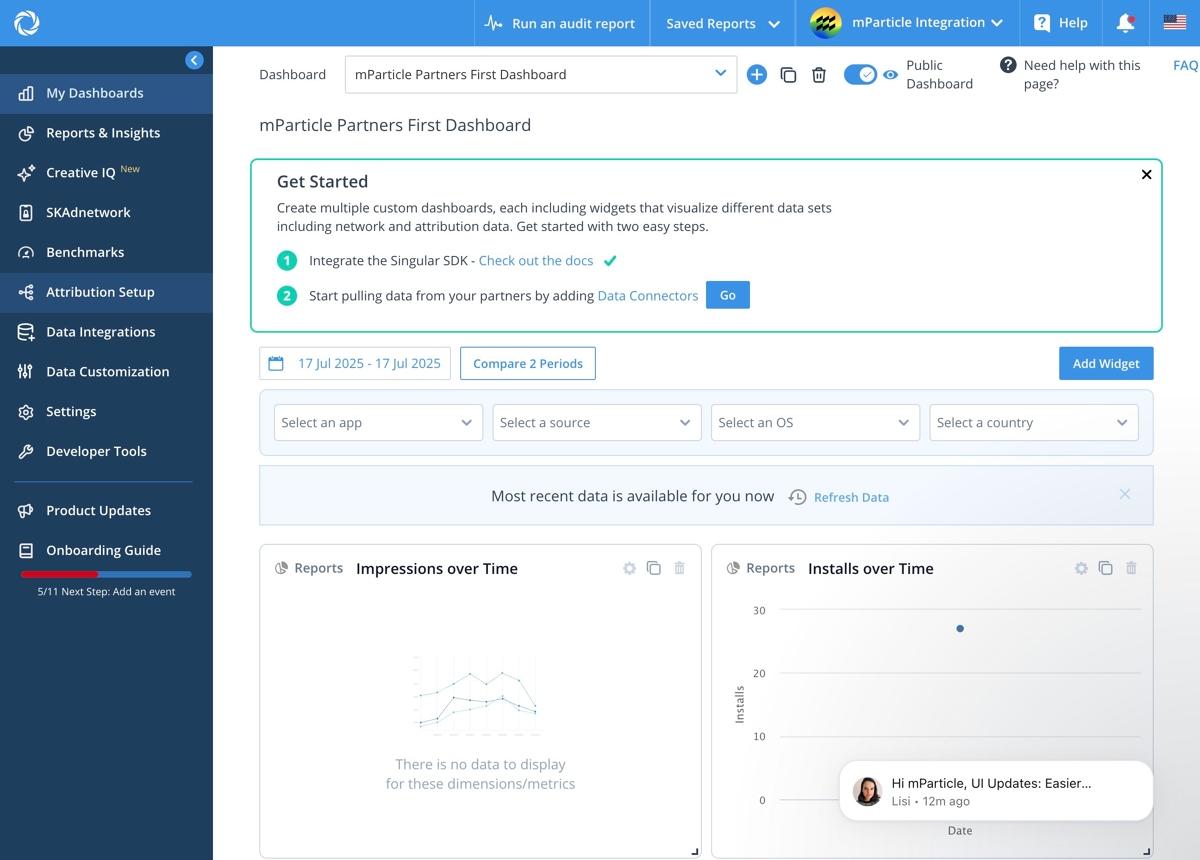
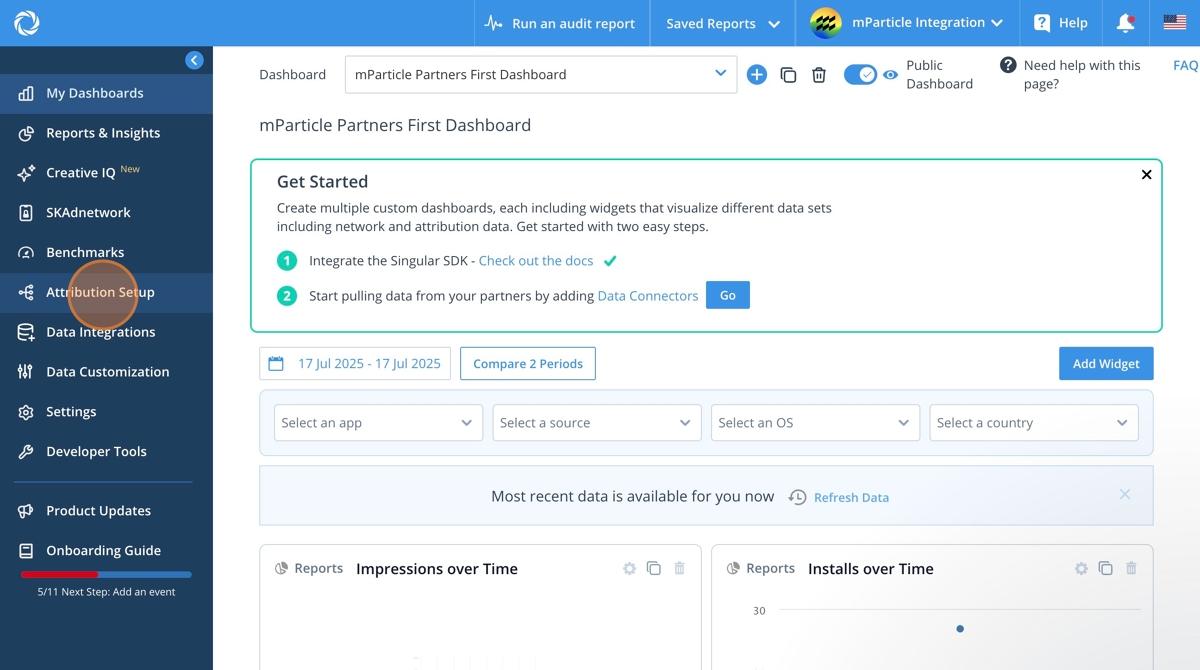
- Click Attribution Setup in the left hand menu.
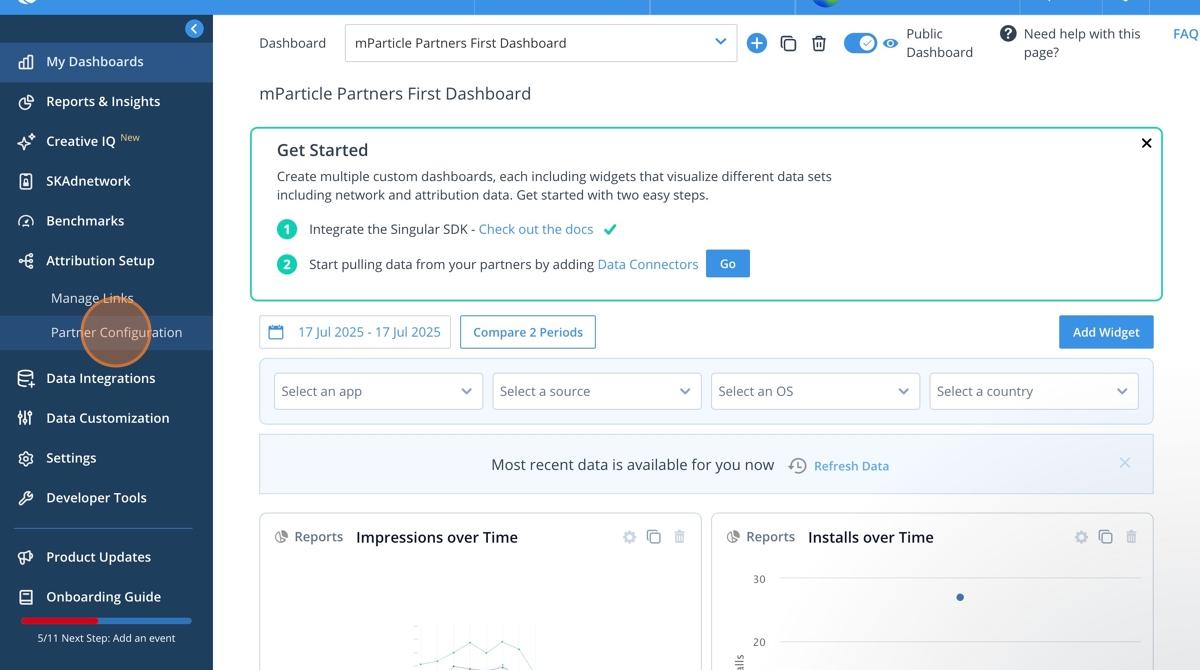
- Click Partner Configuration.
- Click in the search bar.
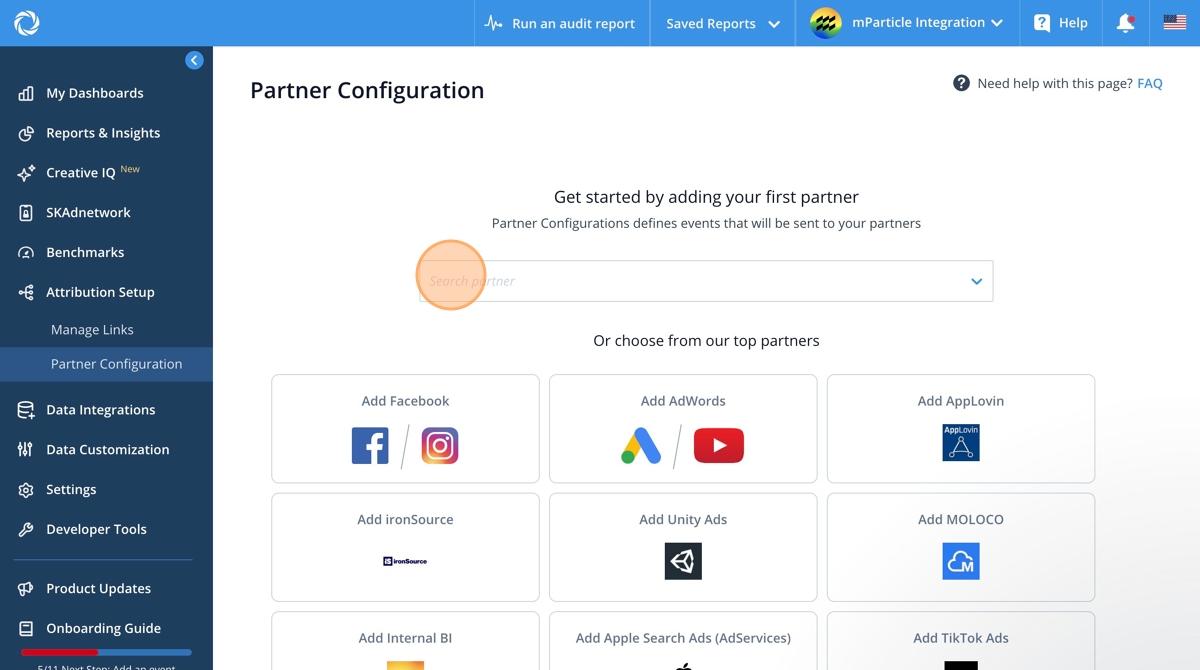
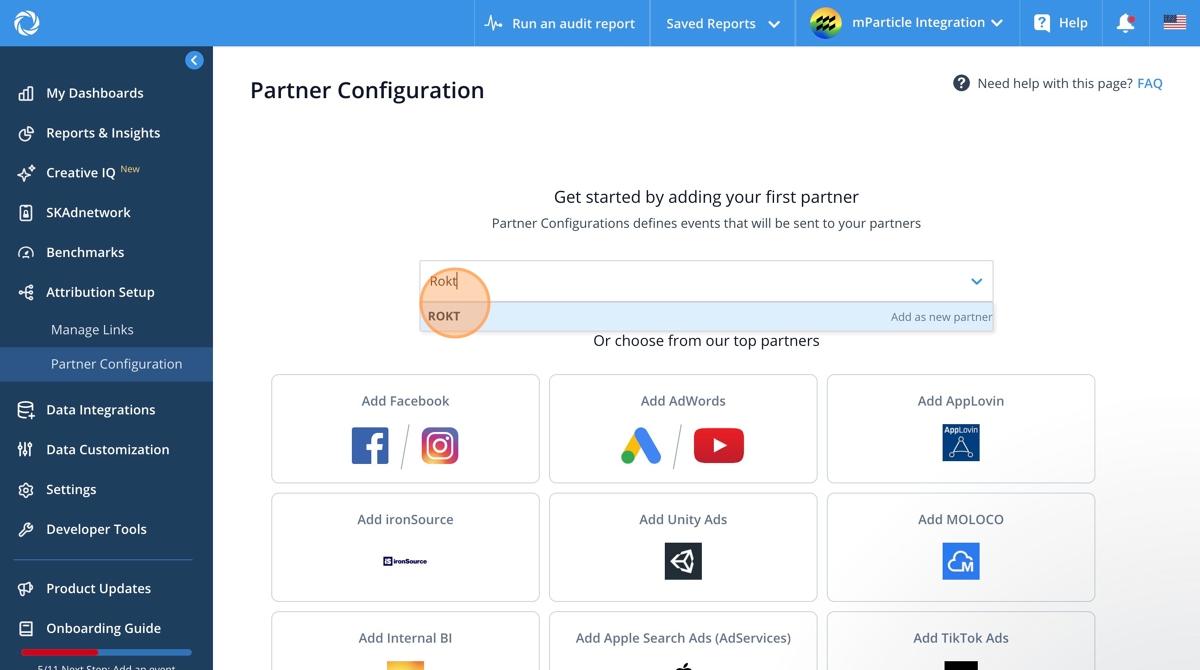
- Search Rokt.
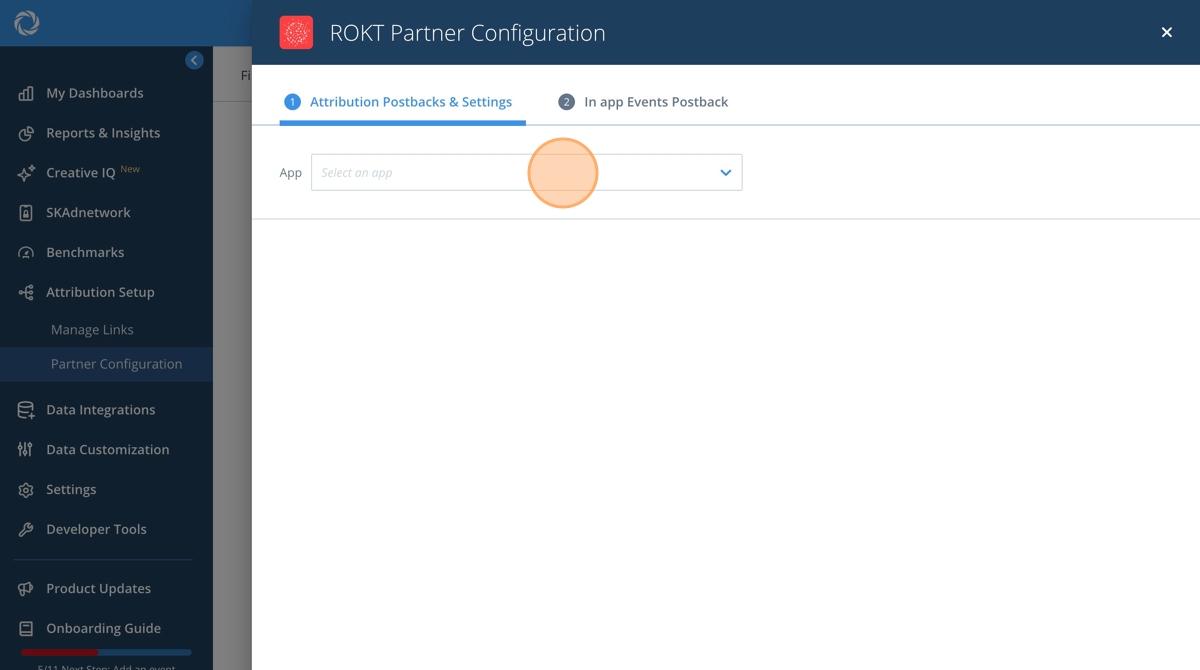
- Click Select an app to choose the app to integrate events from.
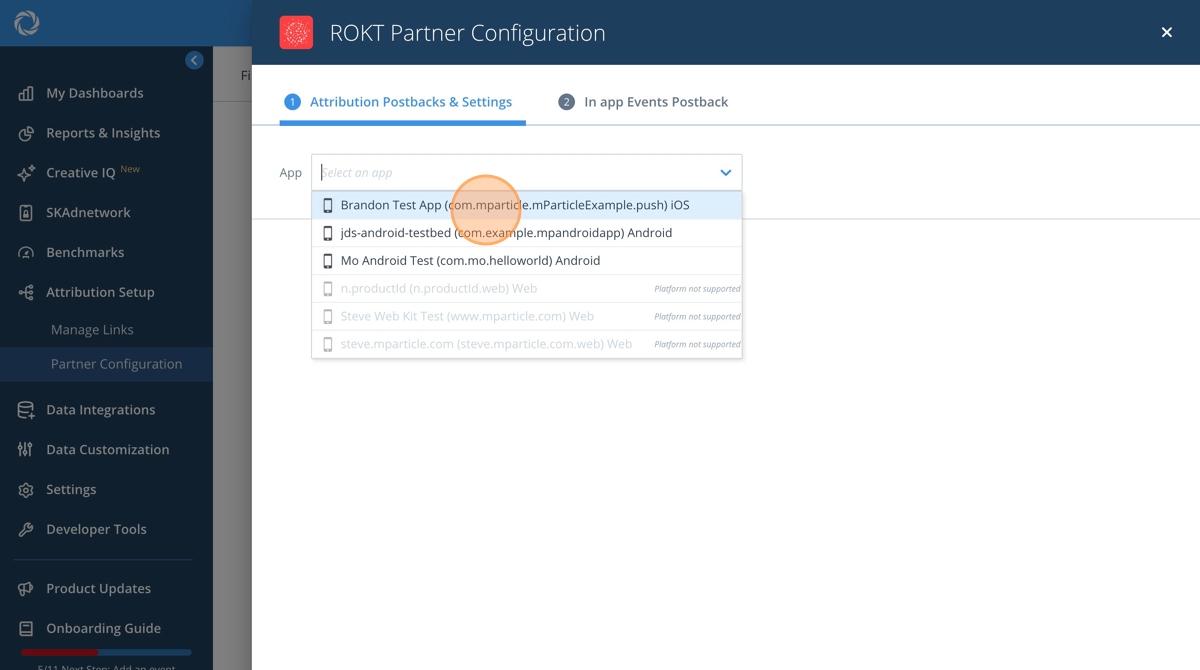
- Choose the app you are integrating data from.
- Click the Token field.
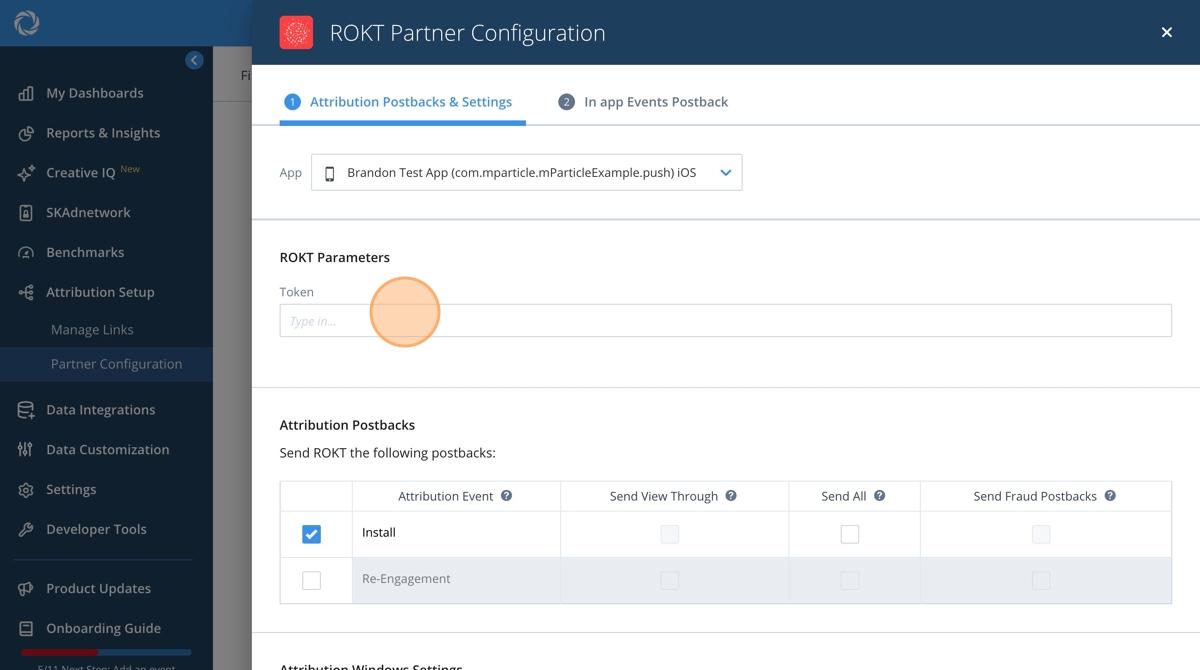
- Type in your API Key that your Rokt account manager provided.
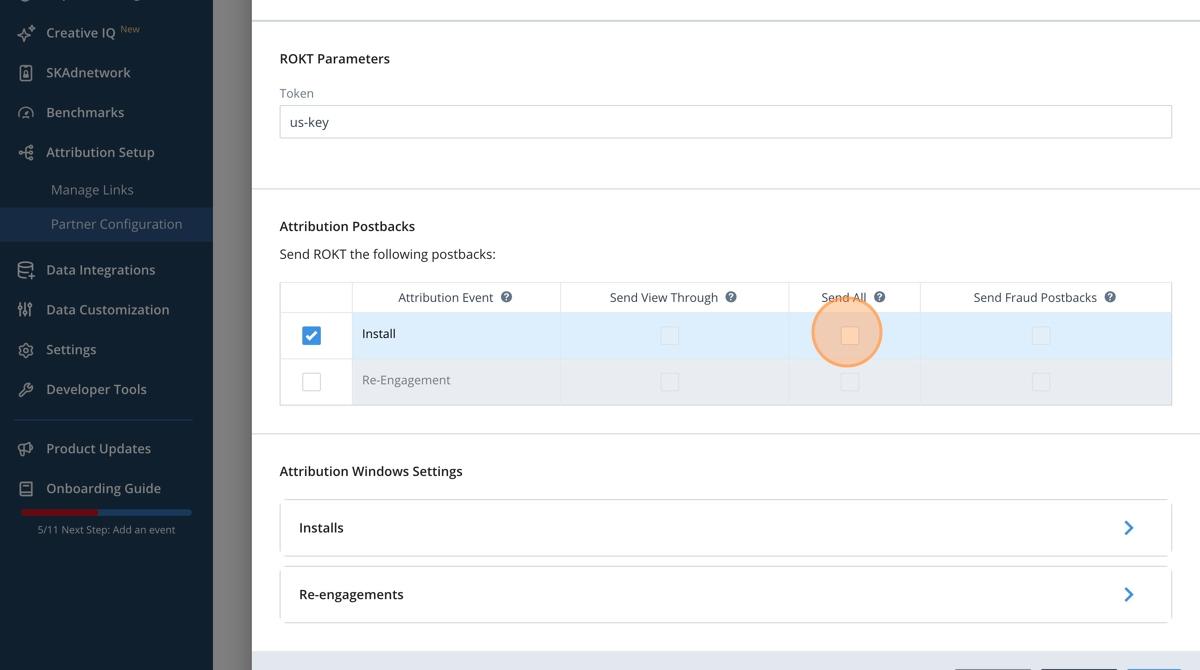
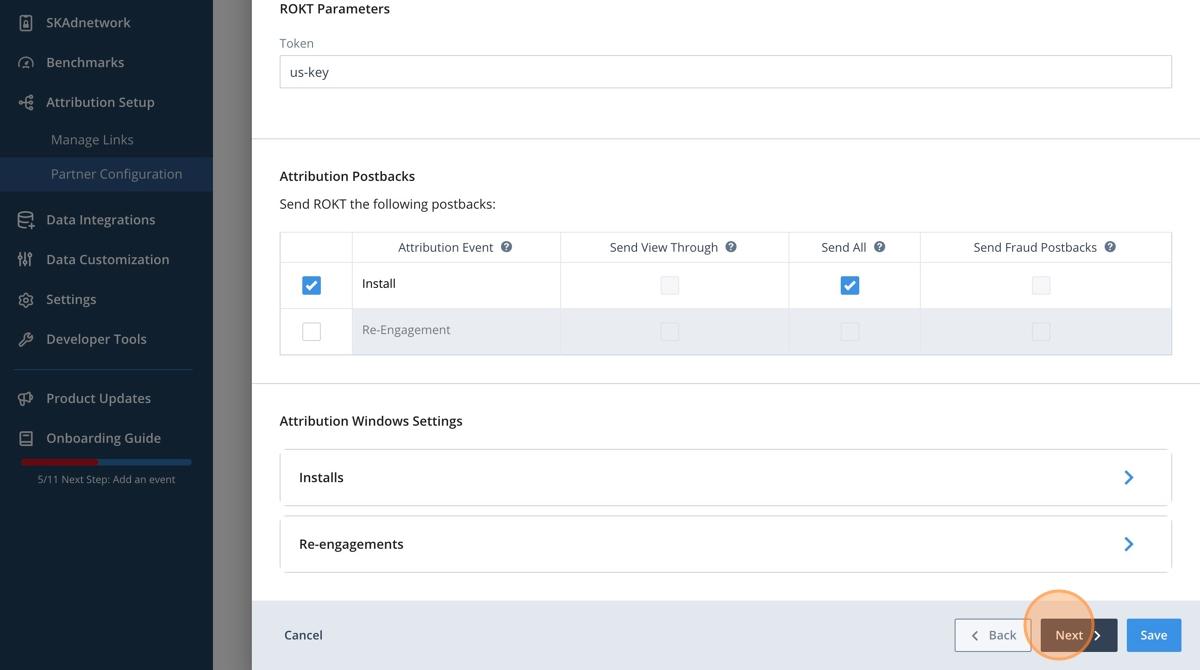
- For the Install event, click Send All to integrate unfiltered data.
- Click Next.
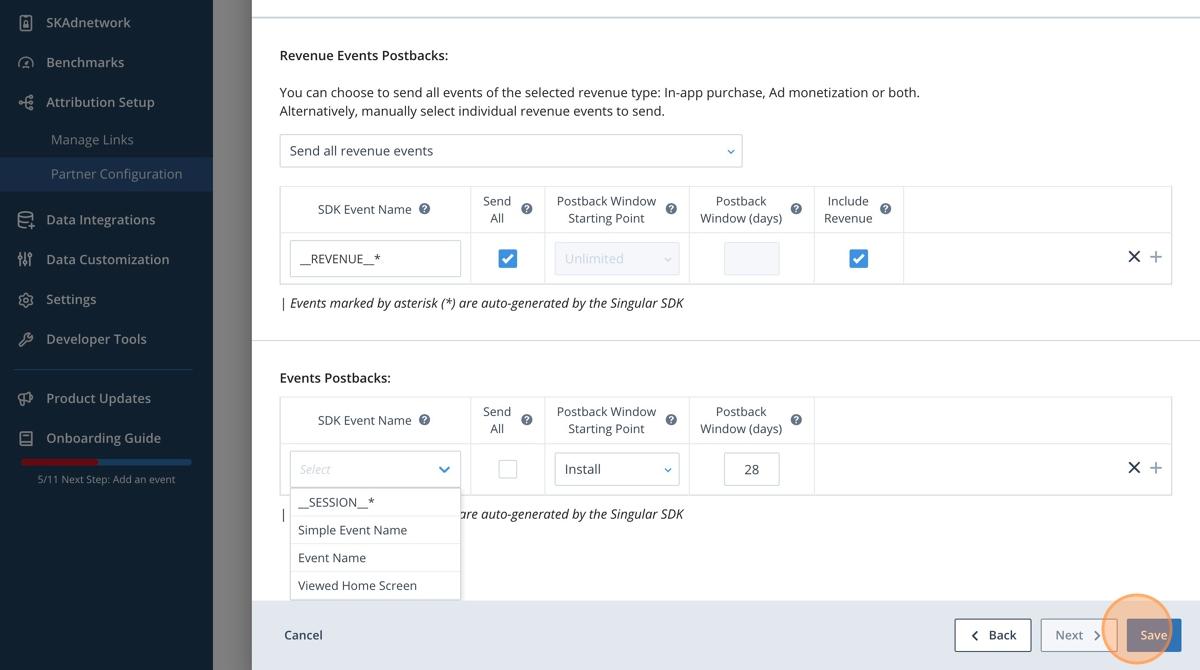
- Click Select under Revenue Events Postbacks.
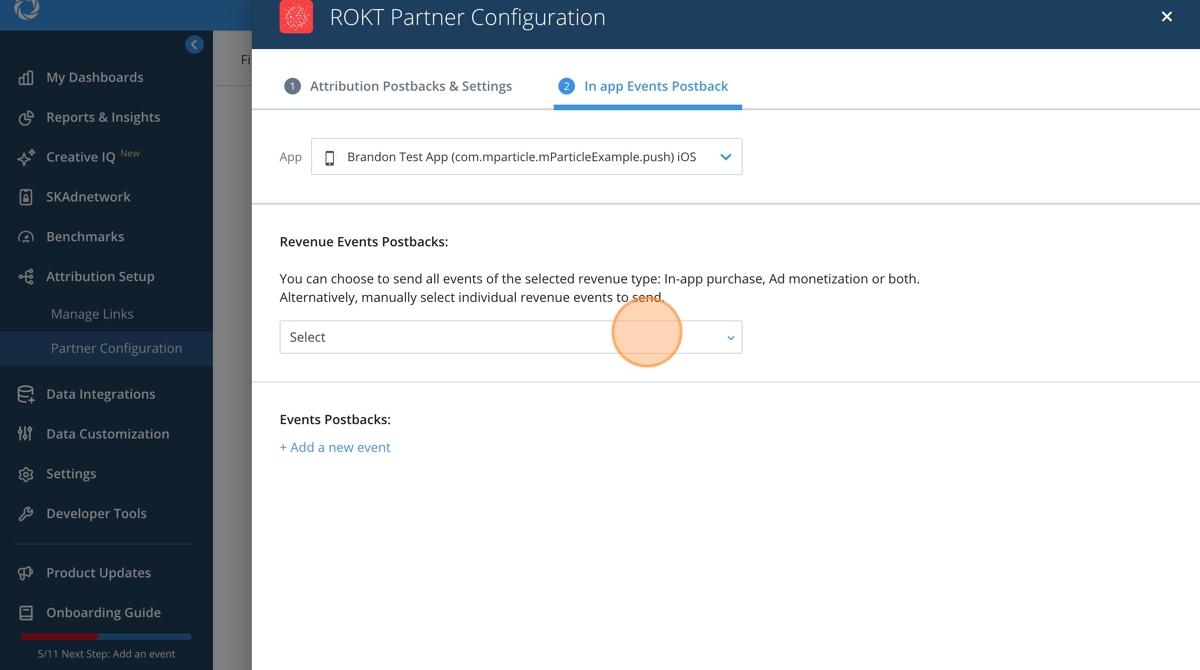
- Choose which in-app events you want to integrate (e.g. registration, purchase).
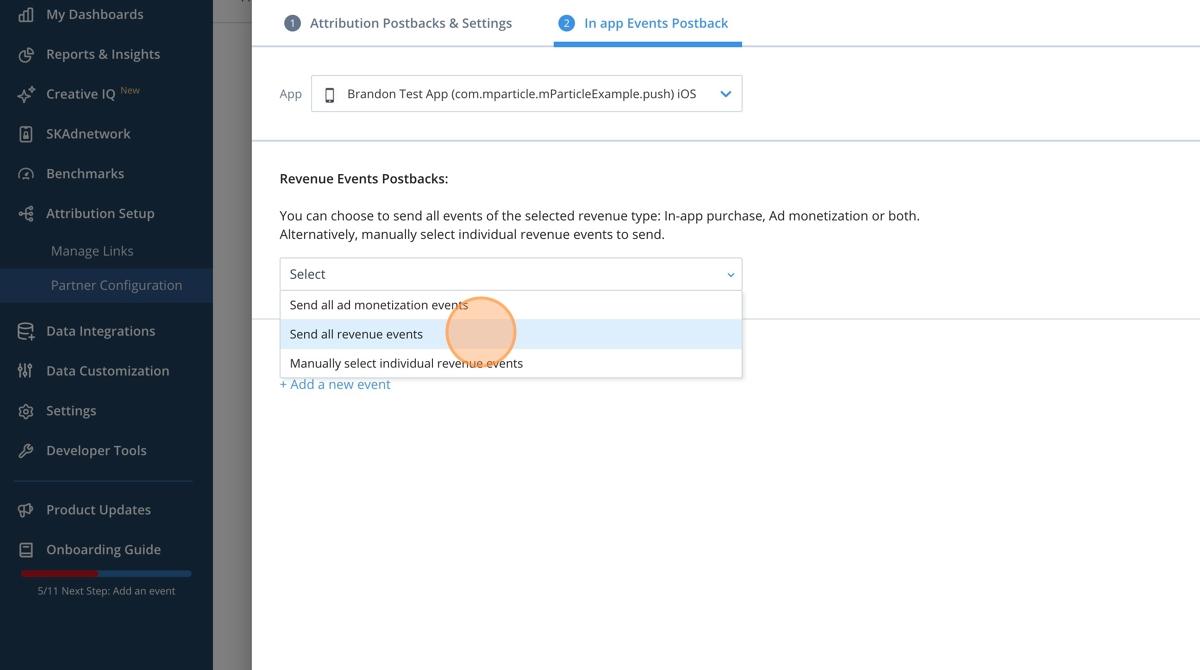
- Configure the events you want to integrate.
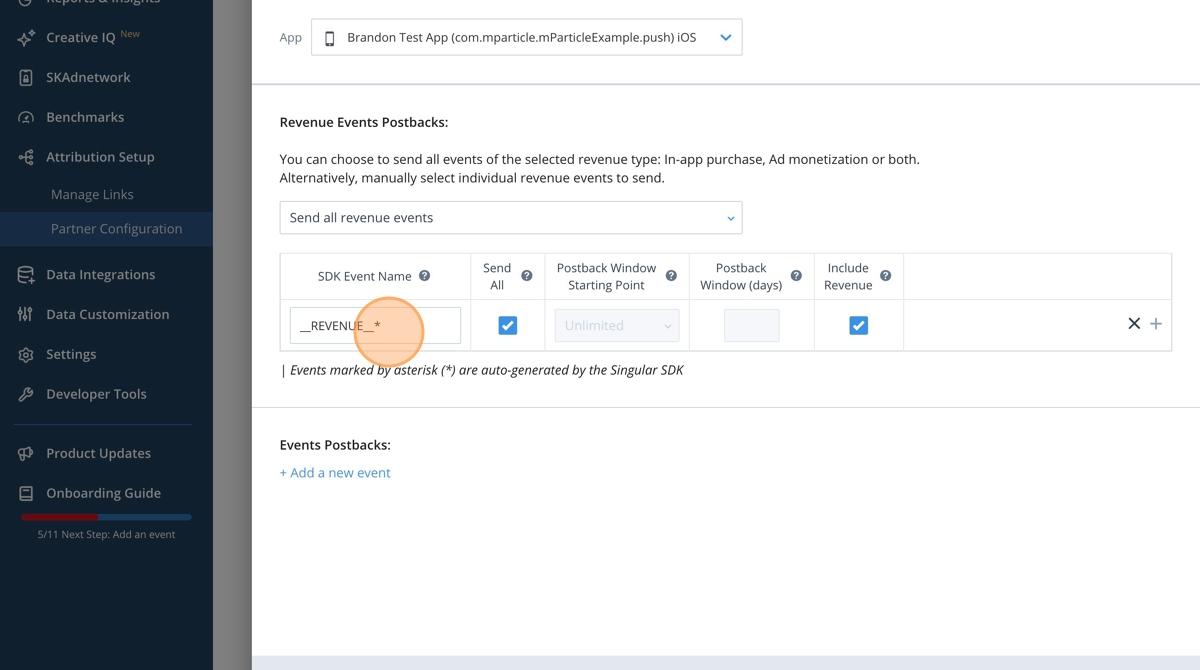
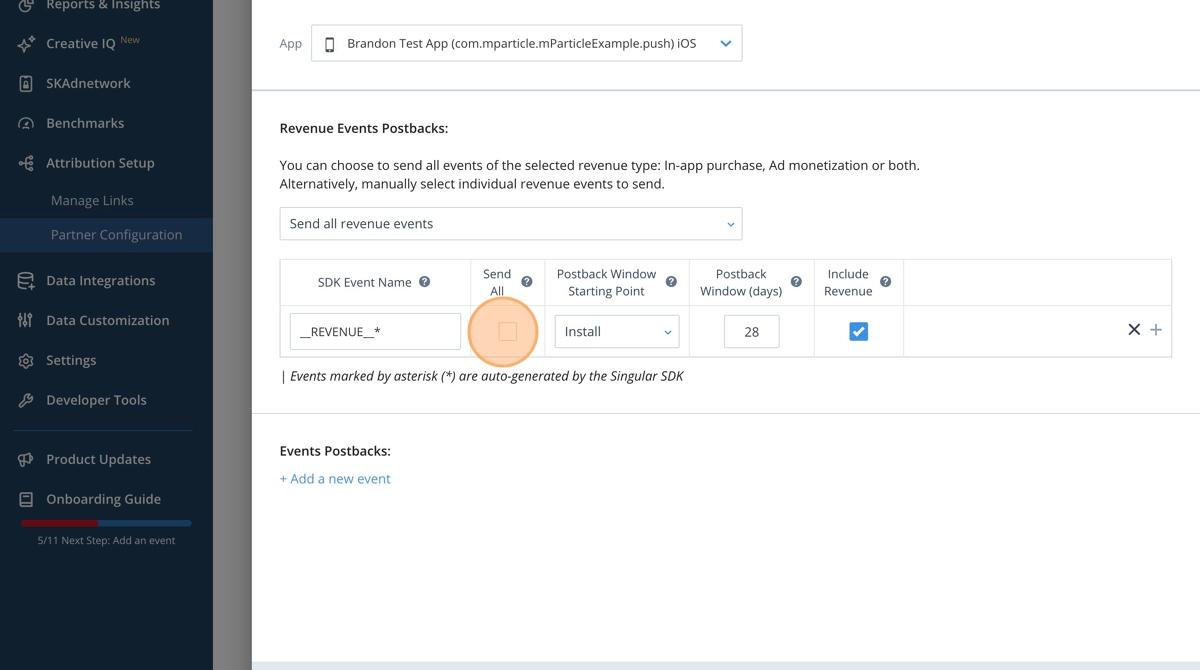
- Click Send All to integrate unfiltered events.
- Repeat for all necessary events.
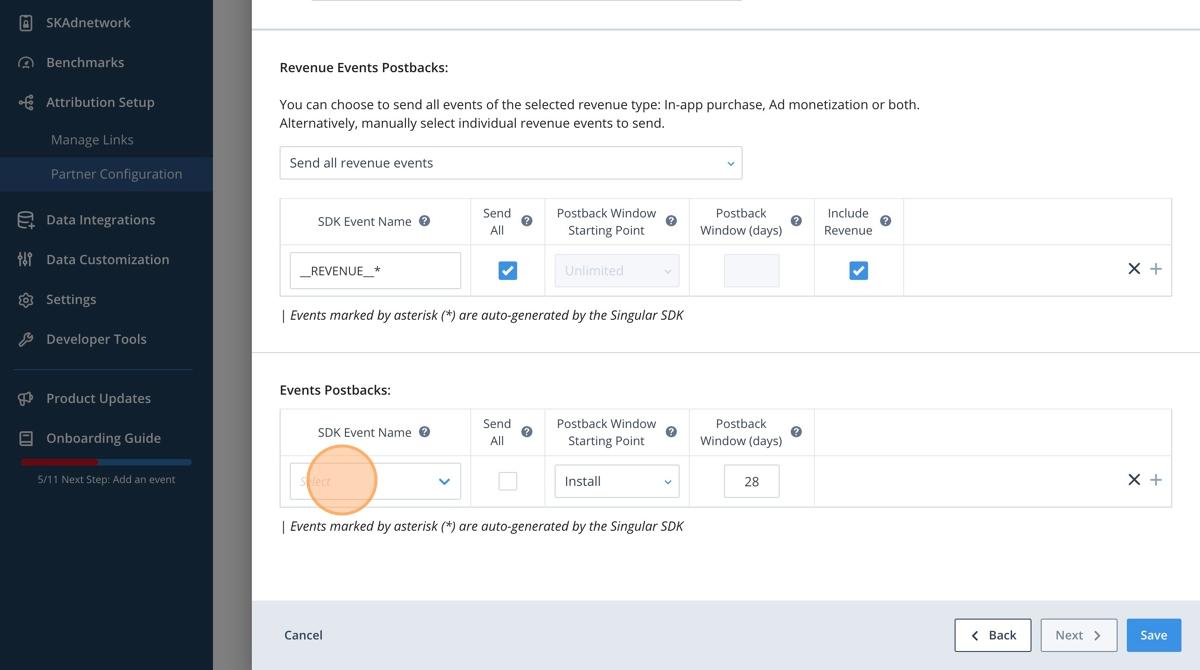
- Click Save.