Discounting products with Catalog
Discounts are a great incentive to drive sales to your store and can be applied to Brand products powered by Catalog. Below is a walkthrough of how to create discounts and how to determine your commission percentage to get the most out of each sale.
Creating a Shopify discountCreating a Shopify discount への直接リンク
You can create discounts under Discounts > Create Discount on your Shopify backend. All discounts for Catalog-powered products need to be applied on a product level to ensure that discounts don't impact shipping rates.
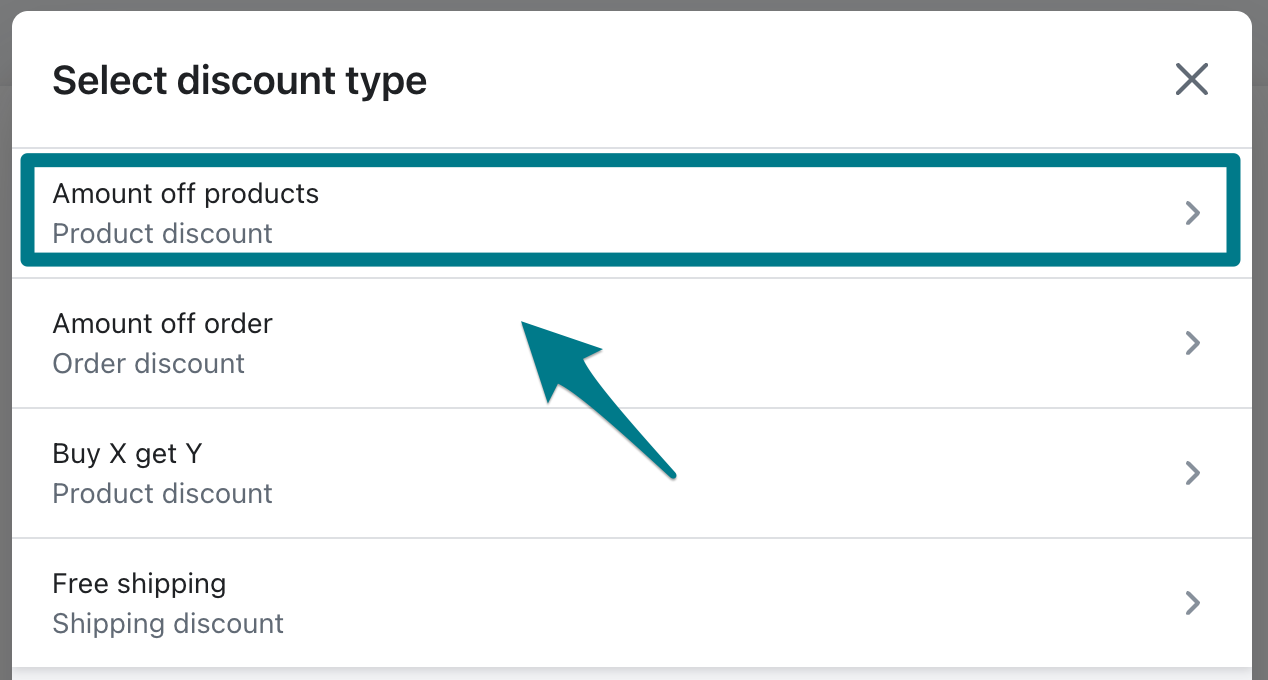
Shopify allows you to set the discount method, value, minimum purchase requirements, and customer eligibility. Under value, select Specific products and select the correlating products.
After completing each section, select Save Discount and it is live. This Shopify article can help you understand each section of Shopify's discounts.
Discounts are only applied to your commission earnings. Brands still receive their full agreed-upon commission.
Catalog's discount calculatorCatalog's discount calculator への直接リンク
If you're crafting a proposal and know you want to offer the product at a discount, Catalog's discount calculator can show you what commission to enter on the proposal.