Onboarding to Catalog as a Partner on Shopify
This guide walks you through the steps to get set up on Rokt Catalog as a Partner using Shopify.
Receive an invitation or create an accountReceive an invitation or create an account への直接リンク
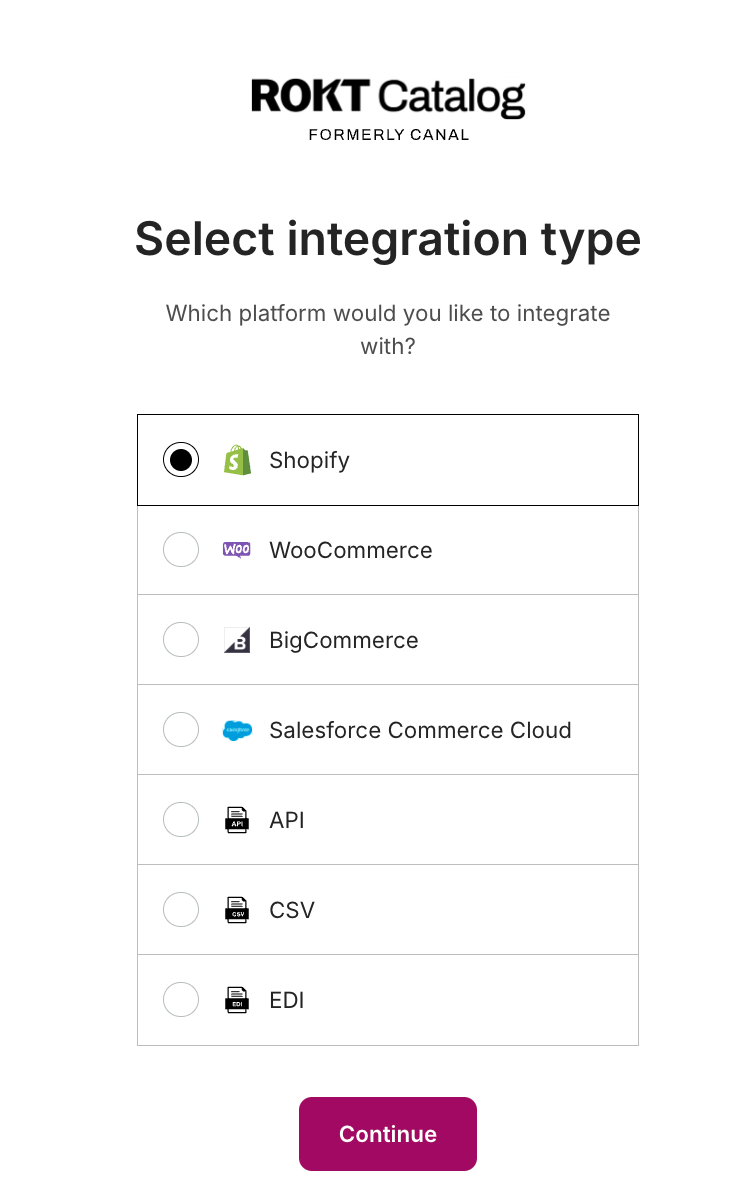
You can create an account at catalog.rokt.com or select Get Started in your invite email. Select Shopify as your integration type and Partner as your experience.
Install the Rokt Catalog appInstall the Rokt Catalog app への直接リンク
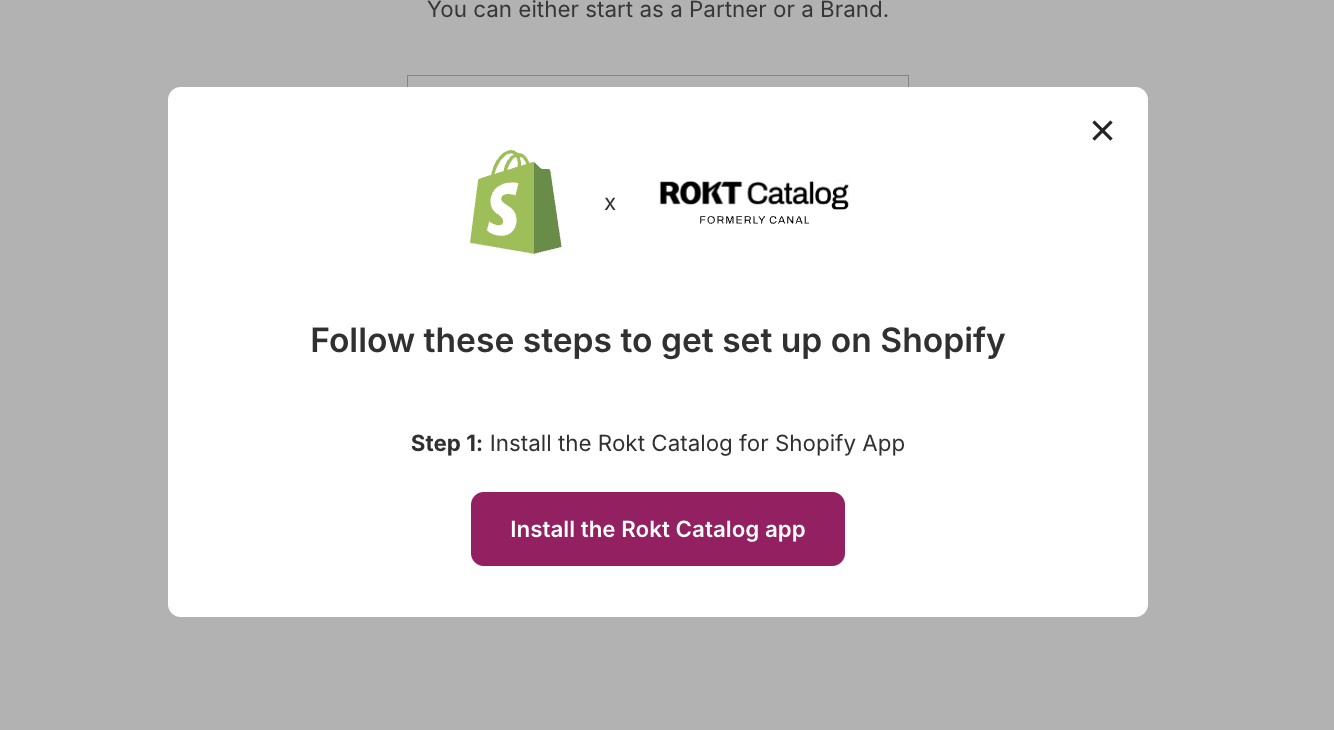
Select Install the Rokt Catalog app to be directed to Shopify to install the app.
注記
Shopify requires the store owner to be the person who installs this app.
Complete in-app onboardingComplete in-app onboarding への直接リンク
After app installation, you'll be prompted to complete the onboarding steps:
- Enter contact information — your primary contact email and customer service email.
- Specify brand information — your brand name, description, logo, and banner image.
- Add payment information — ACH or credit card.
- Select shipping settings — configure how shipping is handled for Brand products.
What's nextWhat's next への直接リンク
Have a Brand you want to partner with? Learn how to refer them to Catalog. Ready to start selling? Learn how to draft a proposal.