Onboarding to Catalog as a Brand on Shopify
This guide walks you through the steps to get set up on Rokt Catalog as a Brand using Shopify.
Select Shopify as your integration typeSelect Shopify as your integration type への直接リンク
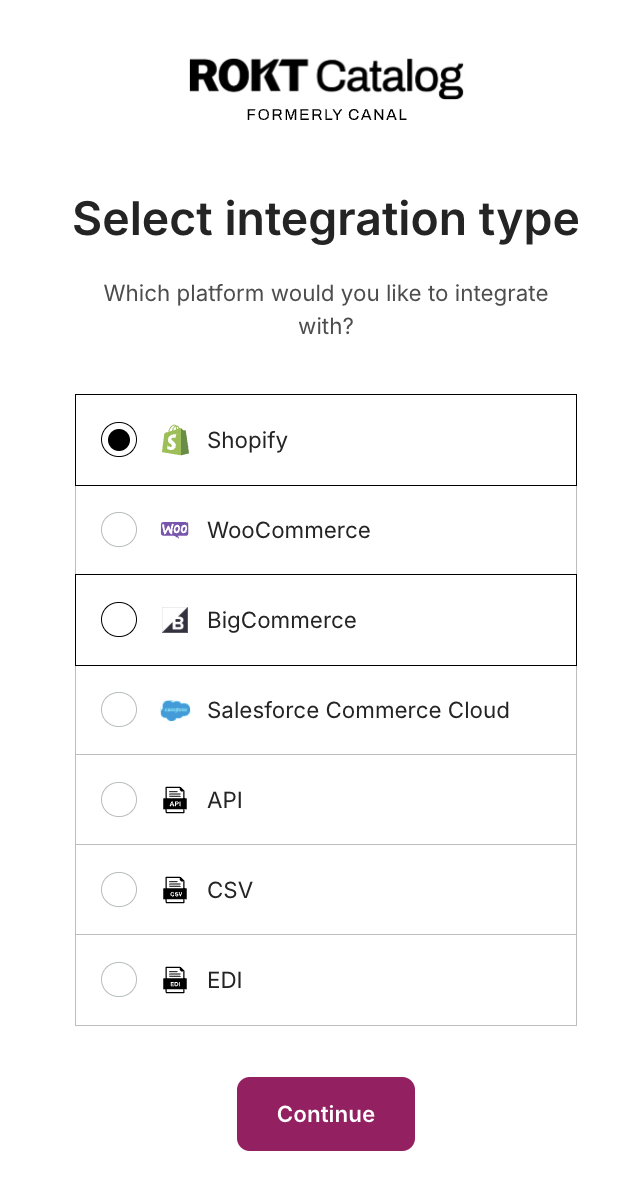
Install the app and enter your referral codeInstall the app and enter your referral code への直接リンク
Select Install the Rokt Catalog app to be directed to Shopify to install the app. If you already have the app installed, this step is skipped.
Shopify requires the store owner to be the person who installs the Catalog for Brand app.
Create your accountCreate your account への直接リンク
The email and password you create on this step are used to log in to Catalog going forward.
Complete your brand profileComplete your brand profile への直接リンク
After your account is created, you'll be prompted to complete the onboarding steps:
- Specify your brand name that Partners see.
- Enter email contacts for primary and customer service communication.
- Add payout information to receive payments.
- Select shipping settings for how Brand products are shipped.
Pre-approve existing Partners to sell your productsPre-approve existing Partners to sell your products への直接リンク
You can learn more about how pre-approval works in the How Pre-Approved works article.
List your products to CatalogList your products to Catalog への直接リンク
You have the option to list your entire product catalog or select specific products. If you skip this step, you need to manually add your products before Partners can send you a proposal.
Set your desired partnership termsSet your desired partnership terms への直接リンク
Terms listed here are displayed on your profile for potential Partners to see. You always have the chance to renegotiate or set new terms before a partnership is established.