Renegotiating commission
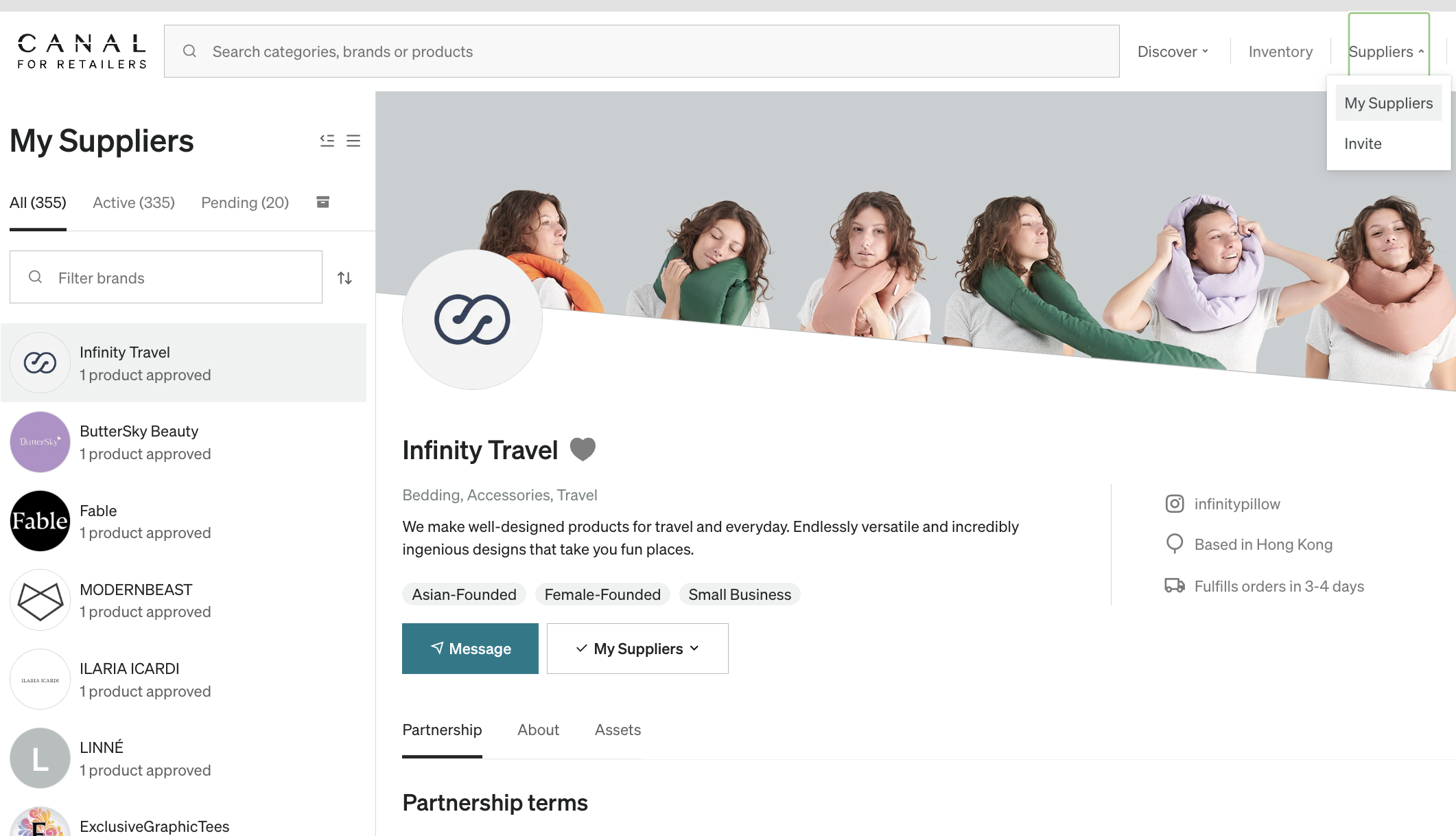
At any time, you can renegotiate commission on a product. Navigate to My Brands under Brands in the top navigation bar > select the Brand from your My Brands list on the left side.
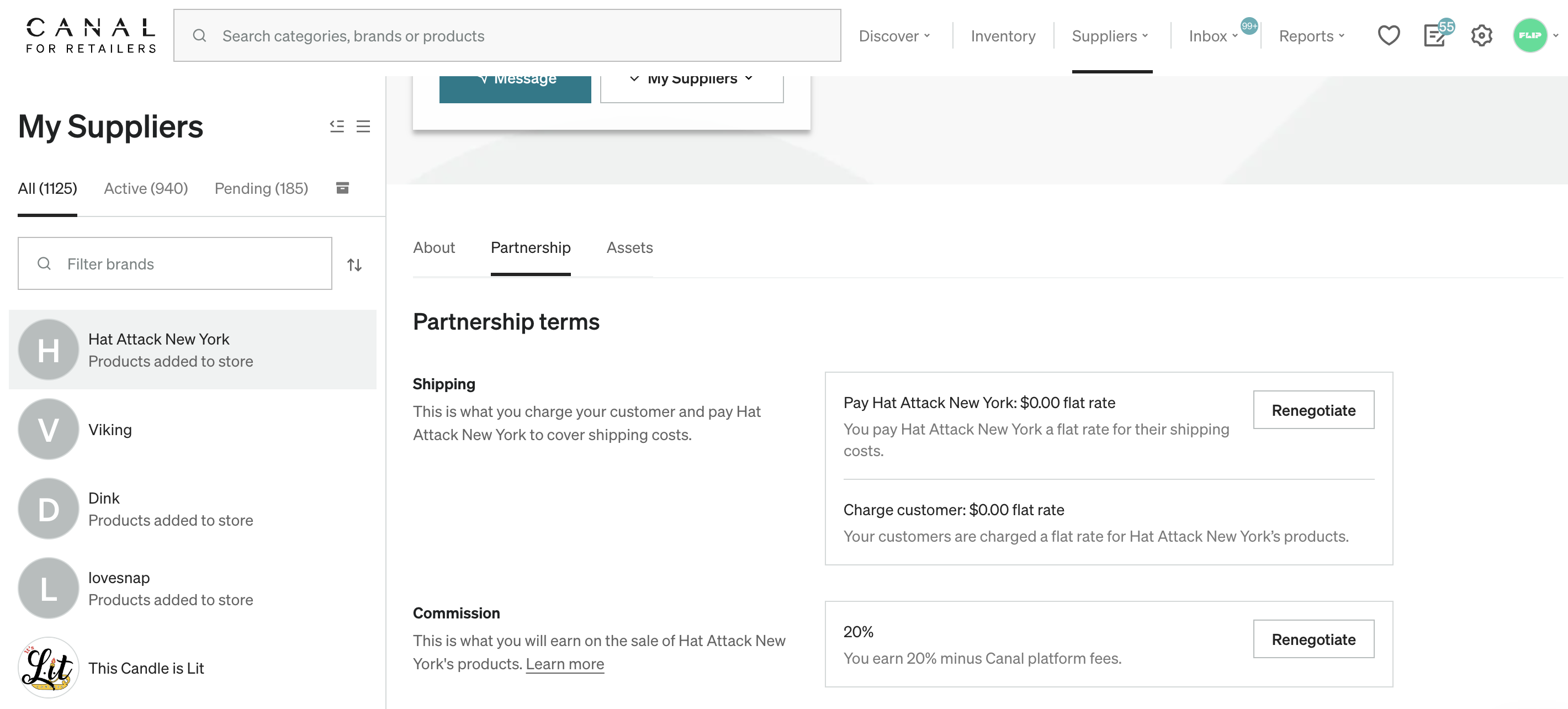
Within the Partnership terms, select Renegotiate to the right of the Commission section.
Enter your proposed commission and it automatically updates the product pricing as shown below.
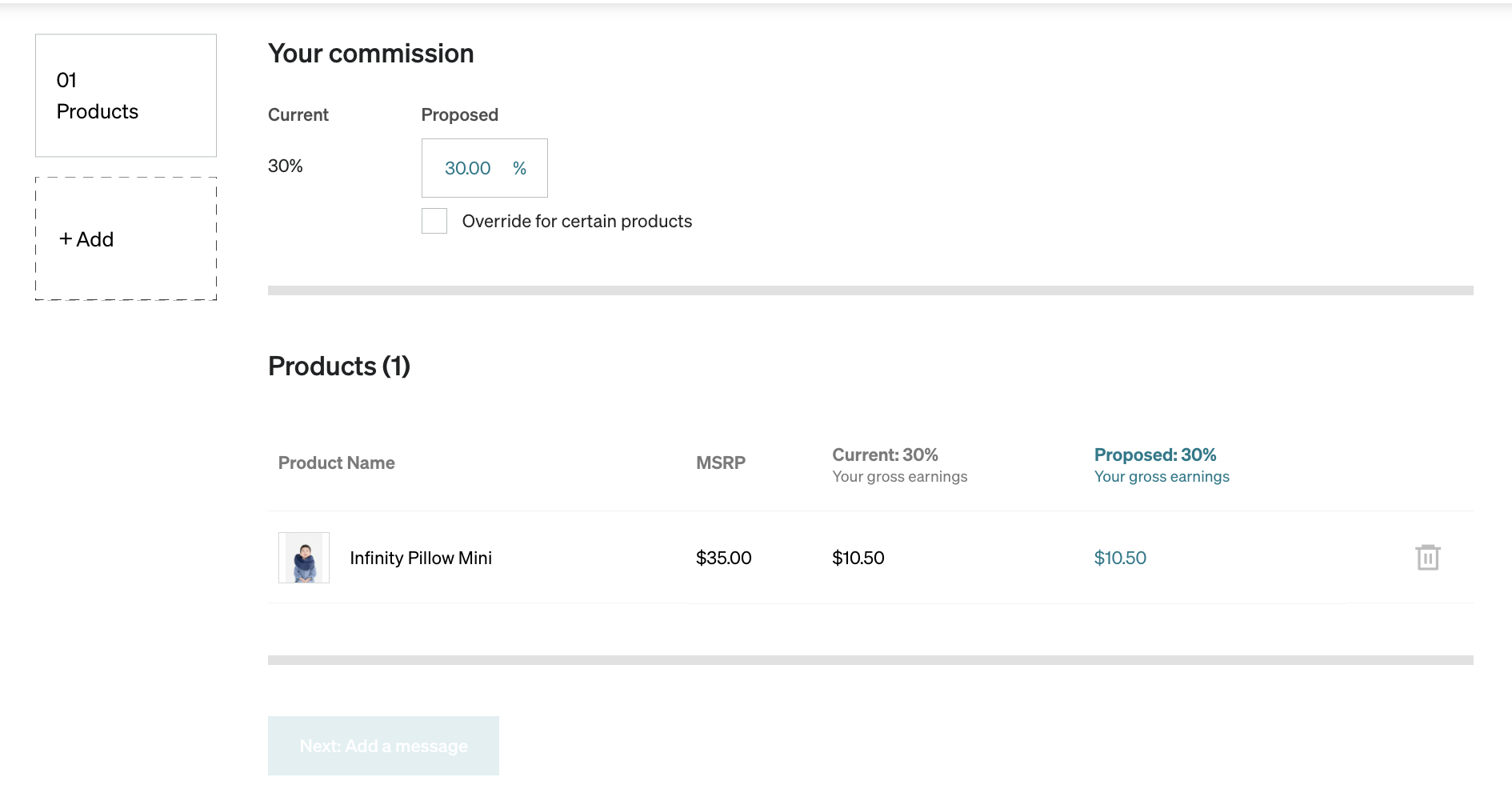
Update the table with your requested commissions and add a message before sending it to the Brand. Like a normal proposal, Brands can approve, decline, or counter. While the renegotiation is pending, you see a clock icon next to the commission in the Inventory and Approved tabs. This designates that a commission is being renegotiated. Until the new commission is approved, the previous commission applies to any sales.