Product status for unavailable items
When a Brand's product is no longer available to be sold on Catalog, the product will automatically be marked as out of stock in your store's backend but remain active on your site. If you prefer to have items removed from your site as well as marked out of stock, you can update this setting within the Catalog app under Settings > Selling preferences > Inventory management > Manage available products.
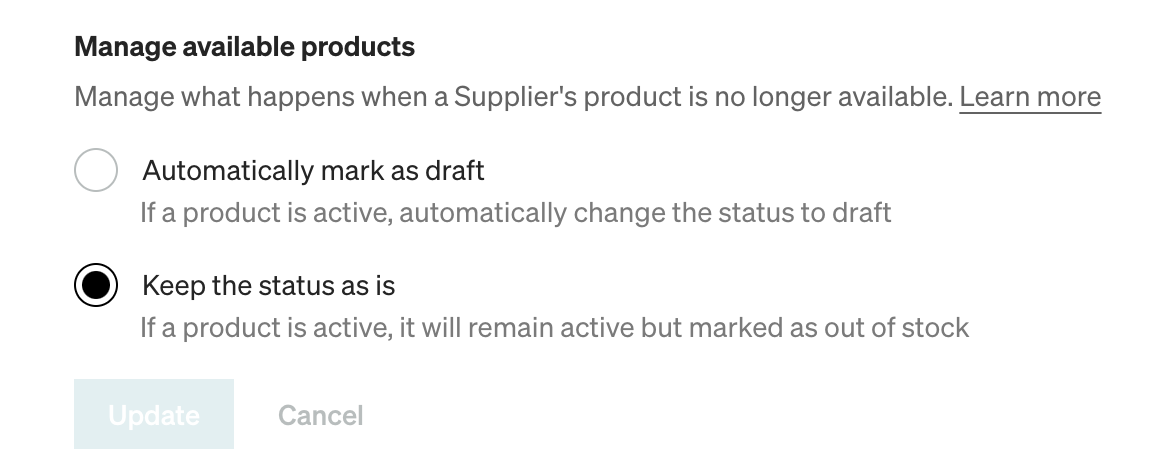
Automatically mark as draft
Once a Brand's product is removed from Catalog or marked out of stock on their end, this option will remove the product from your site and update inventory to 0.
Keep the status as is
If a Brand's product is removed from Catalog or marked out of stock on their end, Catalog will update inventory to 0 in your backend but leave the product active on your site.