How Pre-Approved works
Pre-Approved allows Brands to pre-approve you for products. This means these products are available to sell without the need for a proposal.
Which products are available for Pre-Approved?Lien direct vers Which products are available for Pre-Approved?
Products that a Brand has pre-approved have a Pre-Approved badge on their product card in Explore, signifying no proposal is required.
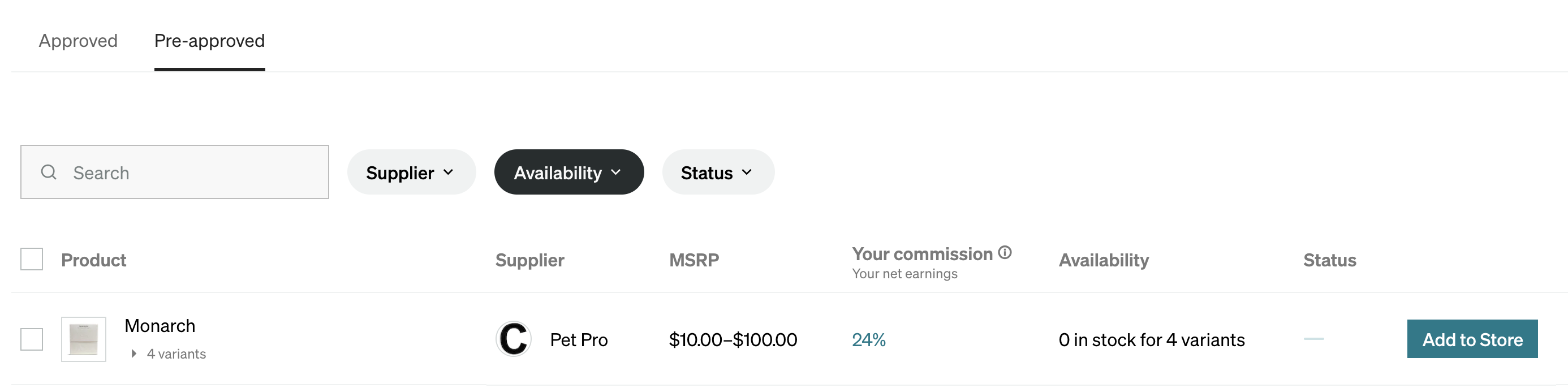
You can also find pre-approved products on the Inventory page by filtering the Availability column. Any product listed as pre-approved can be added to your store directly. To add it to your store, select the Add to store button to the right of the product.