Onboarding to Catalog as a Brand on WooCommerce
This guide walks you through the steps to get set up on Rokt Catalog as a Brand using WooCommerce.
Before you startLien direct vers Before you start
- You need the WooCommerce plugin installed and activated in WordPress.
- The WooCommerce Shipment Tracking extension is required for fulfillment and tracking to work on Catalog.
- Your host environment must meet WooCommerce's minimum requirements, including SOAP Client Support.
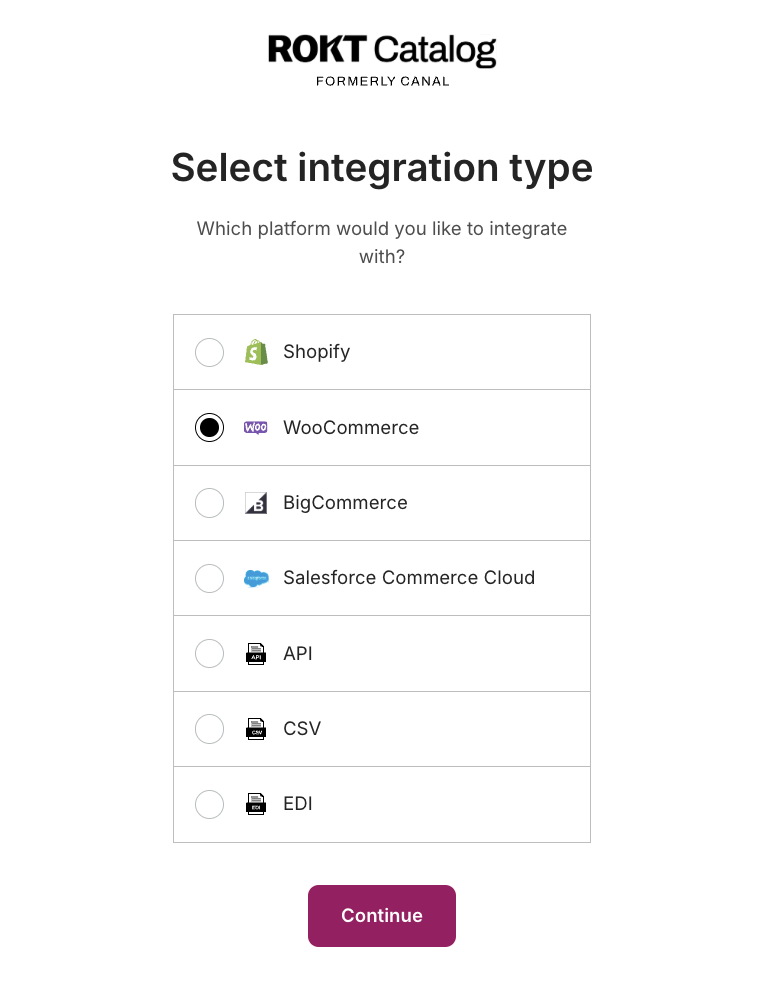
Select WooCommerce as your integration typeLien direct vers Select WooCommerce as your integration type
Install the Catalog app and enter your store URLLien direct vers Install the Catalog app and enter your store URL
You may need to navigate back to your WooCommerce account and select Onboard to Catalog under the Catalog plugin to prompt next steps.
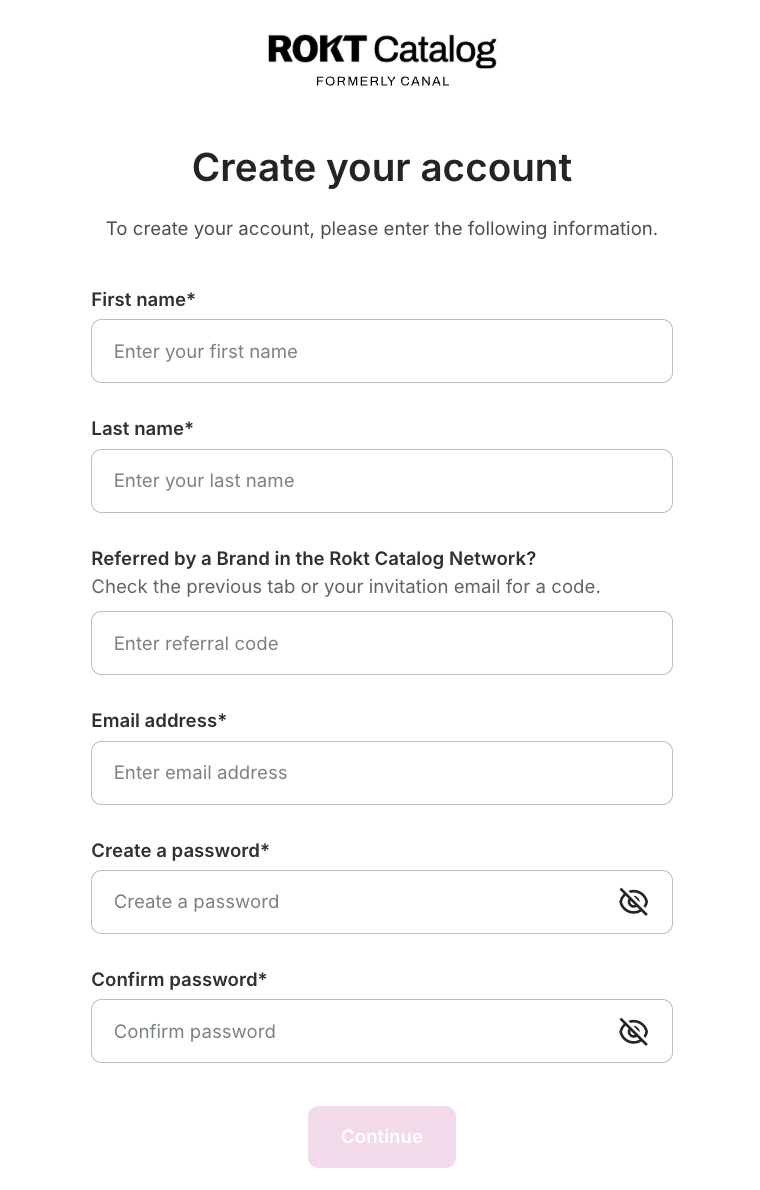
Create your accountLien direct vers Create your account
The email and password you create on this step are used to log in to Catalog going forward.
Complete your brand profileLien direct vers Complete your brand profile
After your account is created, you'll be prompted to complete the onboarding steps:
- Specify your brand name that Partners see.
- Enter email contacts for primary and customer service communication.
- Add payout information to receive payments.
- Select shipping settings for how Brand products are shipped.
Pre-approve existing Partners to sell your productsLien direct vers Pre-approve existing Partners to sell your products
You can learn more about how pre-approval works in the How Pre-Approved works article.
List your products to CatalogLien direct vers List your products to Catalog
You have the option to list your entire product catalog or select specific products. If you skip this step, you need to manually add your products before Partners can send you a proposal.
Set your desired partnership termsLien direct vers Set your desired partnership terms
Terms listed here are displayed on your profile for potential Partners to see. You always have the chance to renegotiate or set new terms before a partnership is established.