Adding your Stripe account
Setting up your Stripe account is key to getting your payments from Catalog. To add an existing Stripe account or create a new one, navigate to Settings > Brand info > Payout method > Connect your Stripe account.
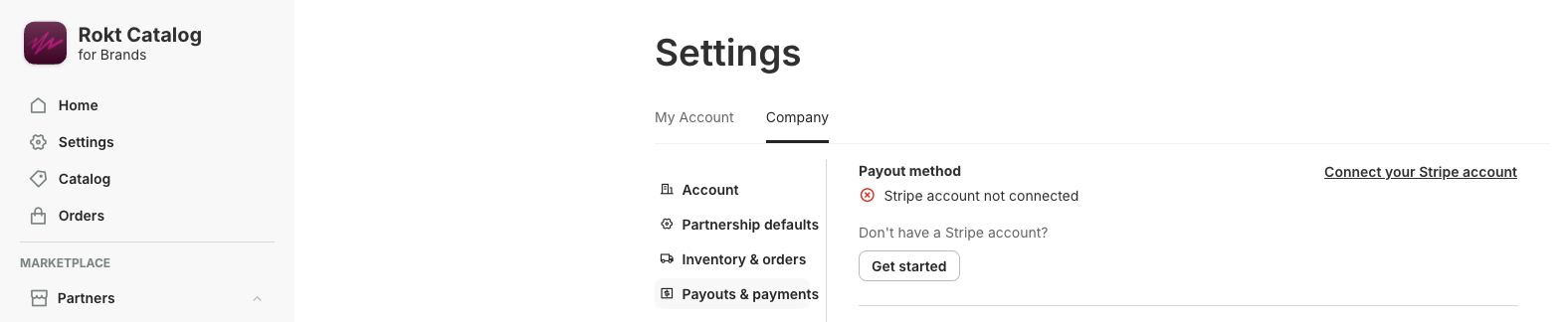
If you already have a Stripe account, enter your email to sign in. If not, you can create a Stripe account by following the steps on the screen.
remarque
A Stripe Express account is required for all Brands using banks outside of the US.
Accessing your Stripe accountLien direct vers Accessing your Stripe account
You can access the Stripe account connected to your Catalog app on the Brand info page in Settings. If you have multiple Stripe accounts under the same email, toggle between your Catalog account and your other accounts using the dropdown in the upper-left corner of the page.