Adding your payment method
Catalog uses Plaid to securely add your payment method. We recommend adding a bank account due to the lower processing fees.
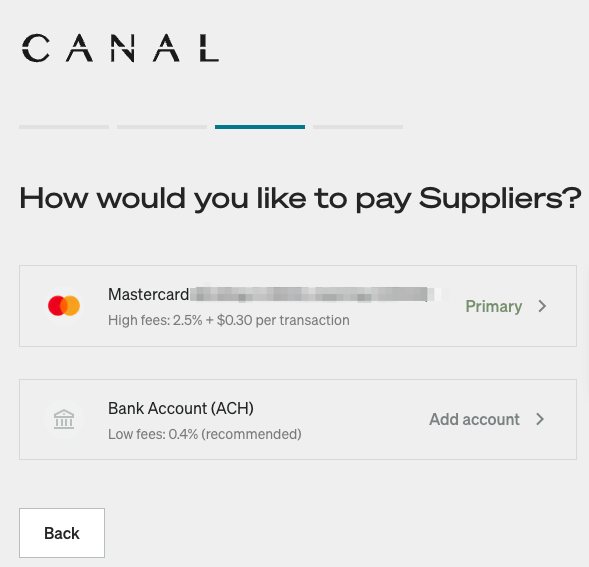
Instantly adding your bank accountLien direct vers Instantly adding your bank account
This option requires that you log into your bank, meaning you need your login email and password. To add your account using this method:
- Select Instant.
- Find your banking institution.
- Enter your login information when prompted.
Manually adding a bank accountLien direct vers Manually adding a bank account
This method requires your routing and account number and needs to be verified roughly 24 hours after adding. To add your account using this method:
- Select Manual.
- Enter your routing and account number.
- After 24 hours, check your account for a deposit.
- Navigate to Settings > Billing > Verify account in the Catalog app.
- Enter the code from the deposit.
How do I add my payment method after onboarding?Lien direct vers How do I add my payment method after onboarding?
If you weren't able to add your payment method during onboarding, you can do so at any time. Navigate to Settings > Billing and select one of the methods above.
Why do I need to add a payment method?Lien direct vers Why do I need to add a payment method?
Catalog charges this payment method weekly to collect the Brand's commission and shipping costs that are passed through to the Brand. Learn more about these charges in the Getting paid as a Partner article.