Onboarding as a Brand via Manual Portal
This guide walks you through onboarding to Rokt Catalog as a Brand using the Manual Portal (CSV integration).
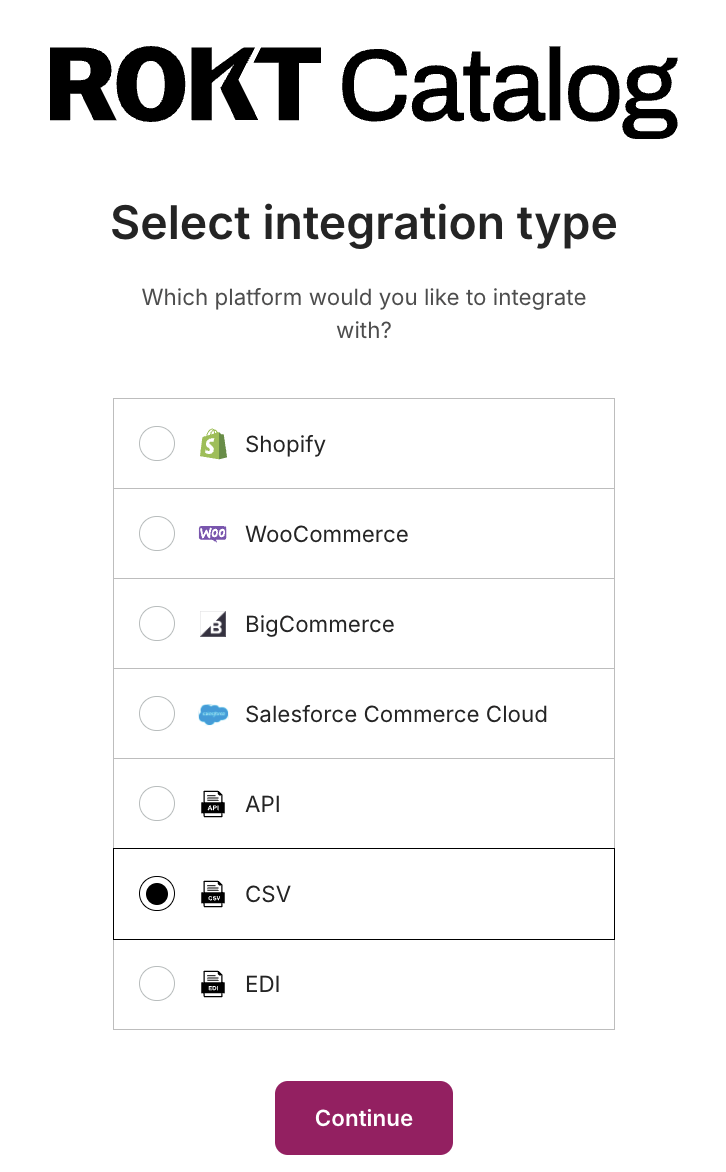
Select CSV as your integration typeLien direct vers Select CSV as your integration type
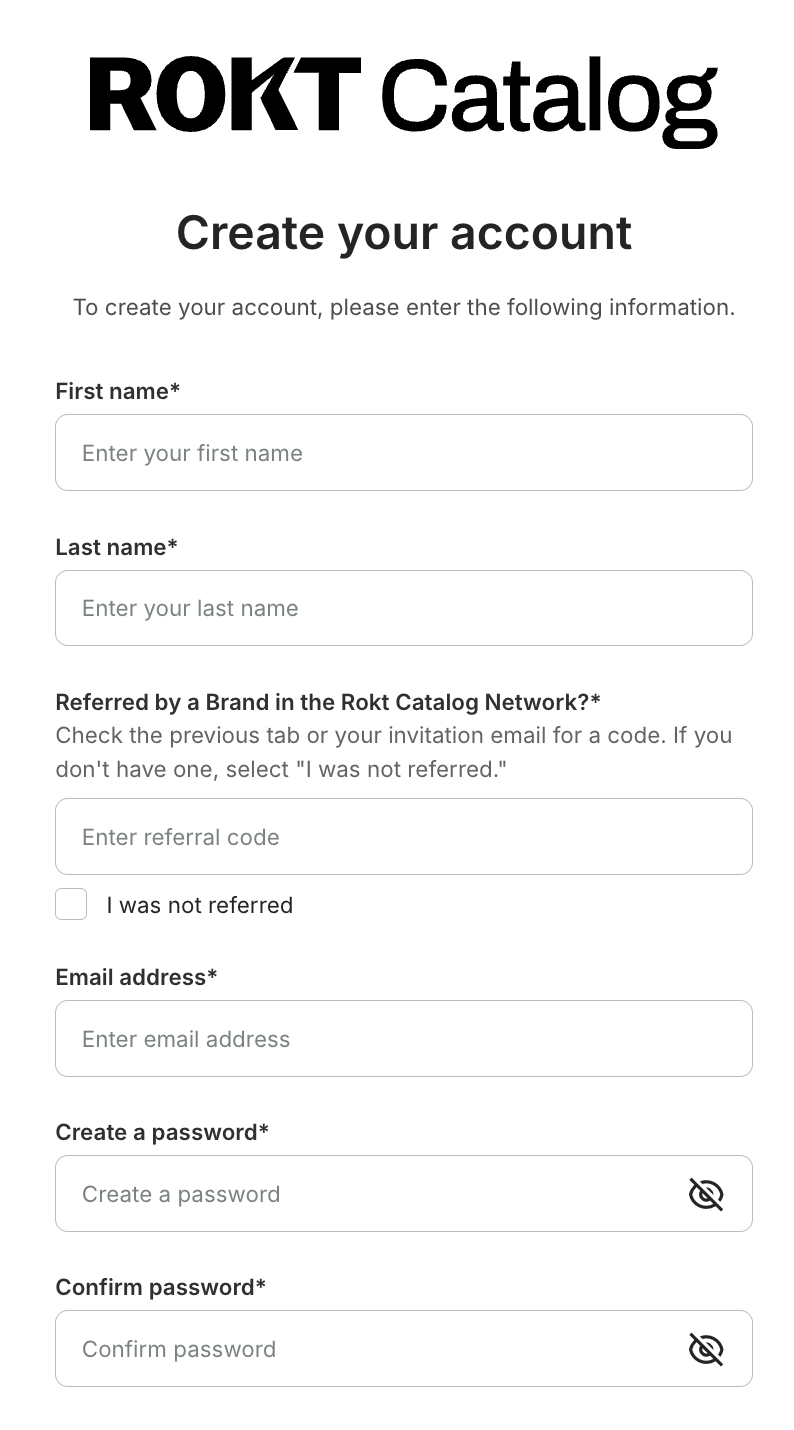
Create your accountLien direct vers Create your account
The email and password you create on this step are used to log in to Catalog going forward.
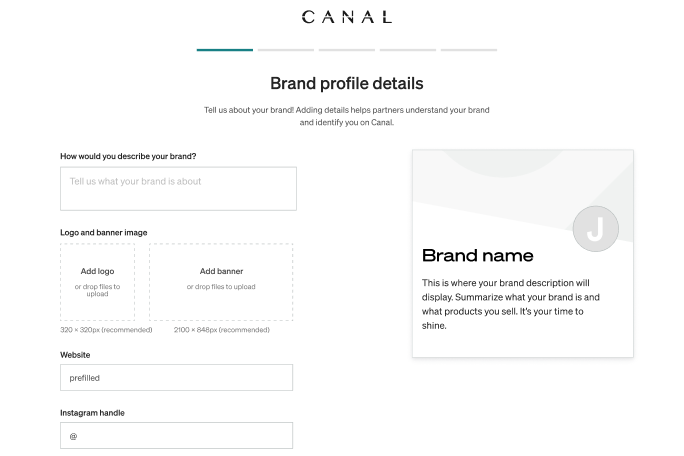
Complete your brand profileLien direct vers Complete your brand profile
Import products to CatalogLien direct vers Import products to Catalog
We recommend reading the CSV guidelines before importing your products.
Set your desired partnership termsLien direct vers Set your desired partnership terms
Terms listed here are displayed on your profile for potential Partners to see. You always have the chance to renegotiate or set new terms before a partnership is established.