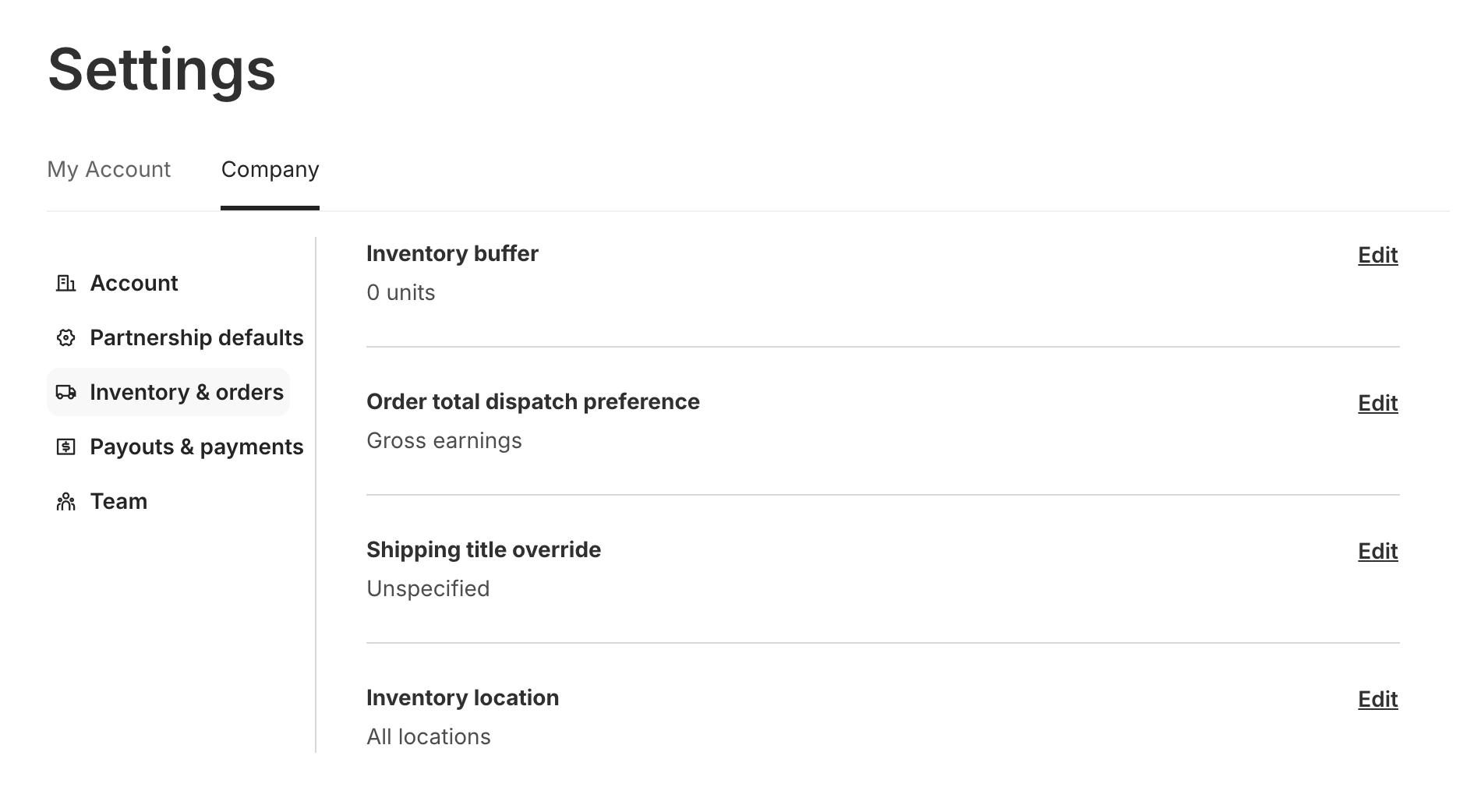
Inventory threshold and buffer
Catalog's inventory threshold can be used to change the threshold at which Catalog labels your products and variants as out-of-stock. This inventory buffer can be used to protect or set aside a subset of your inventory and make it unavailable to Partners, thereby preventing overselling.
In Catalog settings, navigate to the Inventory & orders tab to edit the inventory buffer. Once your variants reach this quantity, Catalog will mark your products out of stock to all Partners.
*For Brands using Shopify, you'll want to be sure that the "Continue selling when out of stock" feature is not enabled on your products